
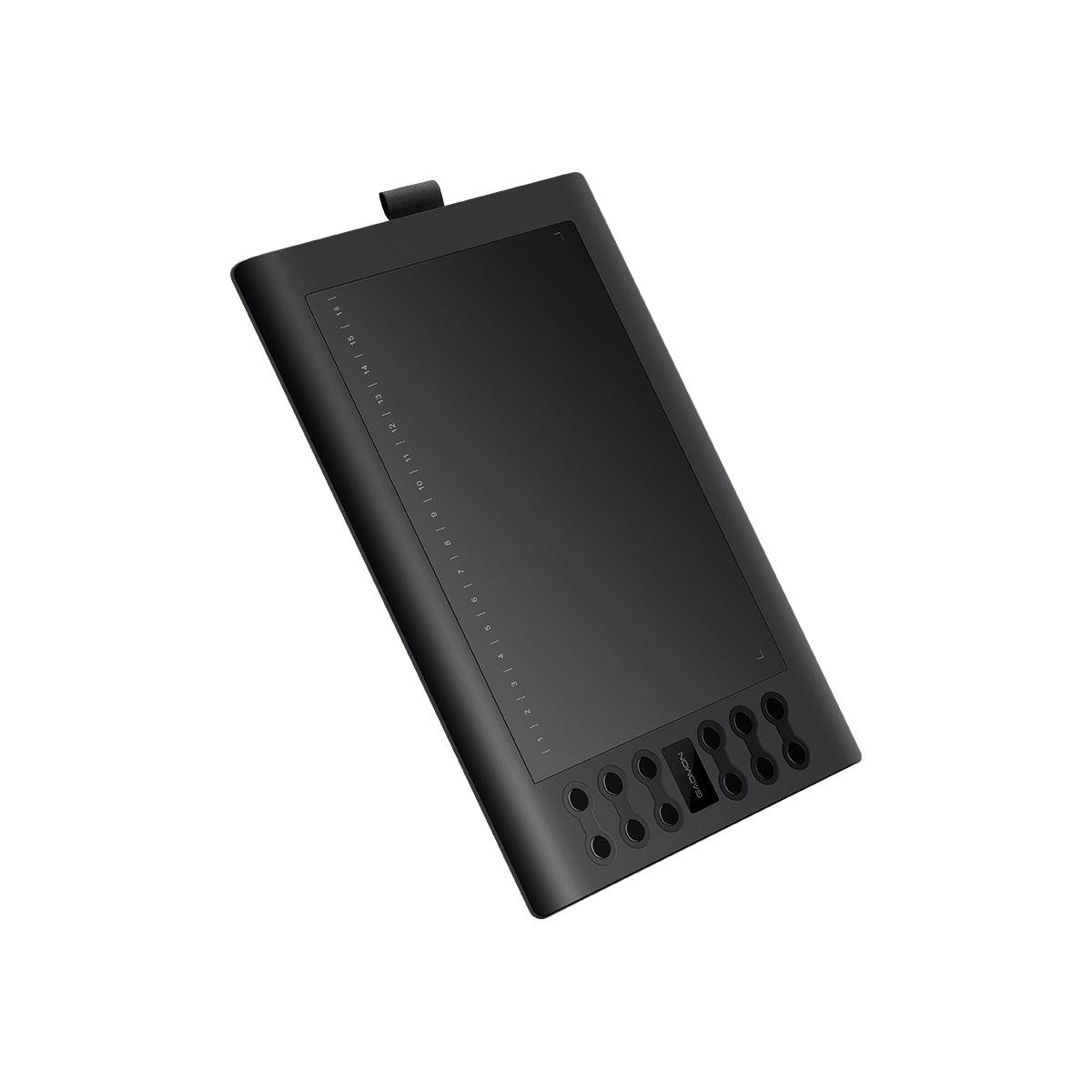
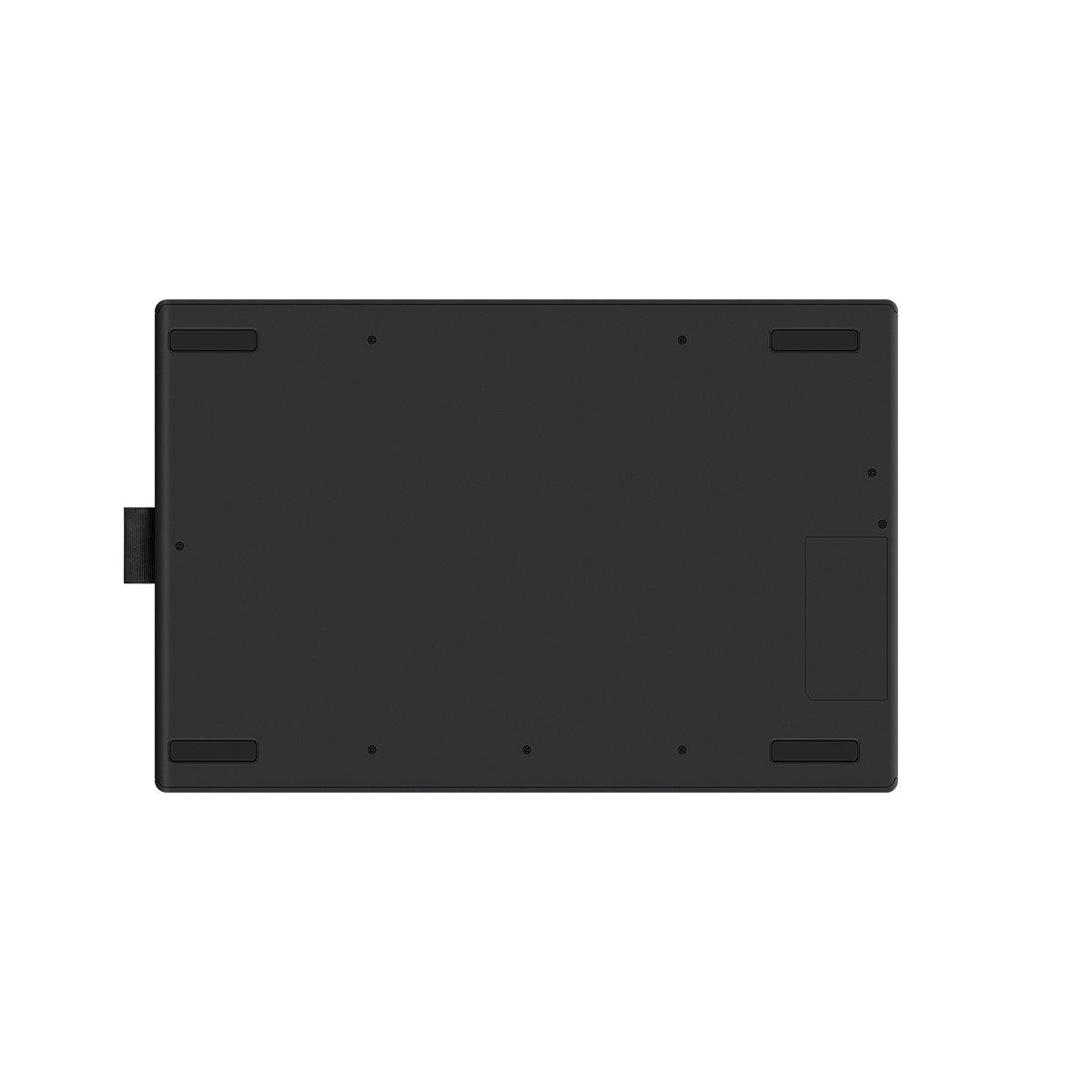
GAOMON M106K Pro Pen Tablet
GAOMON M106K Pro Pen Tablet
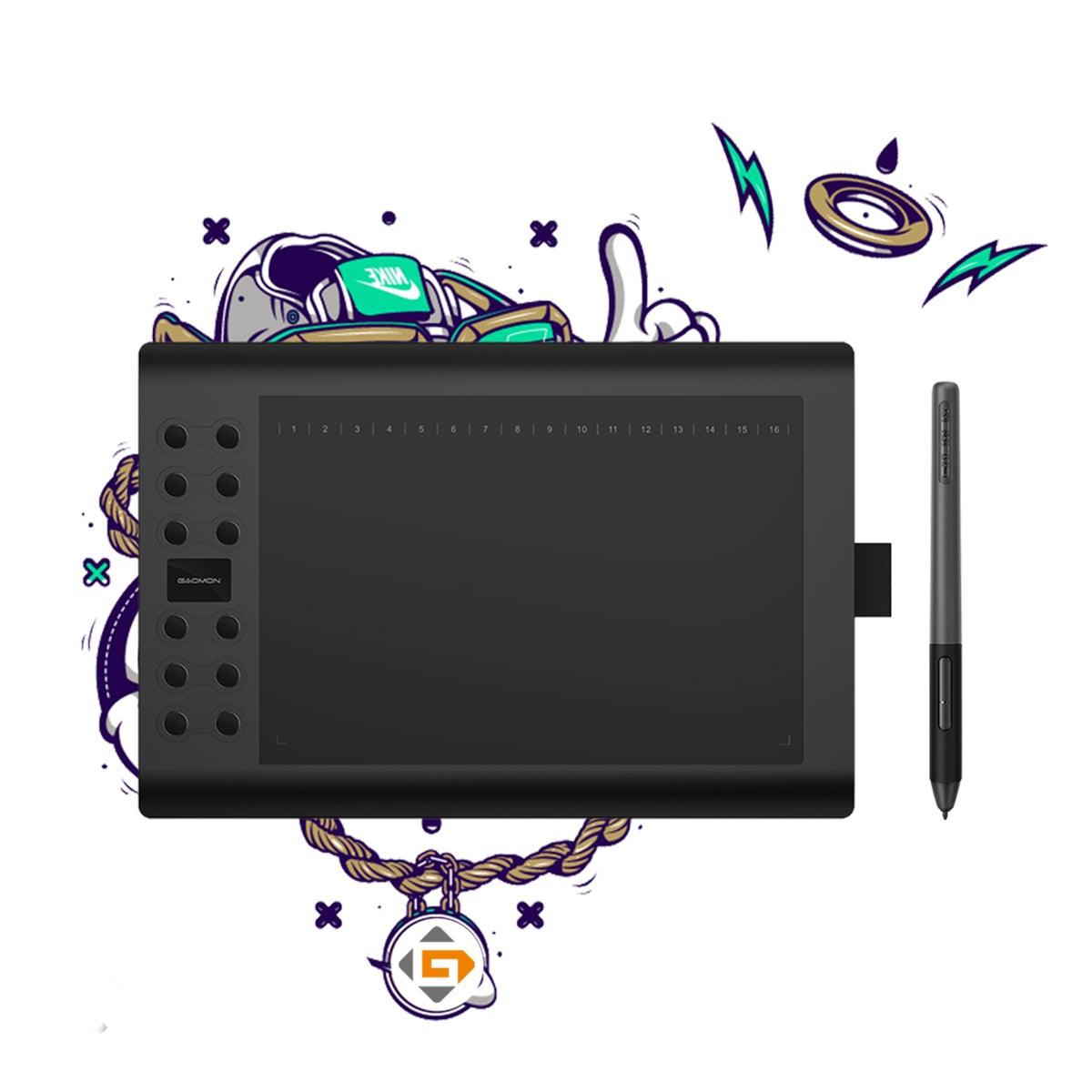
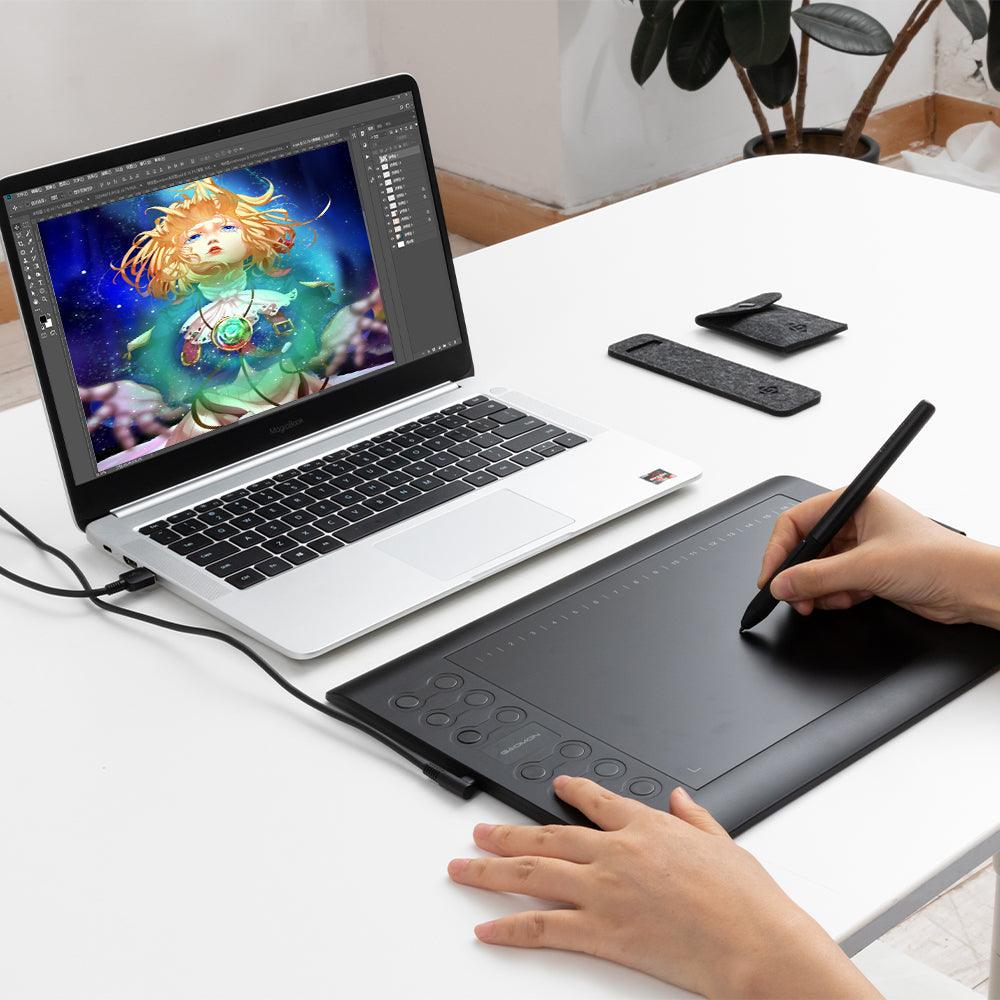
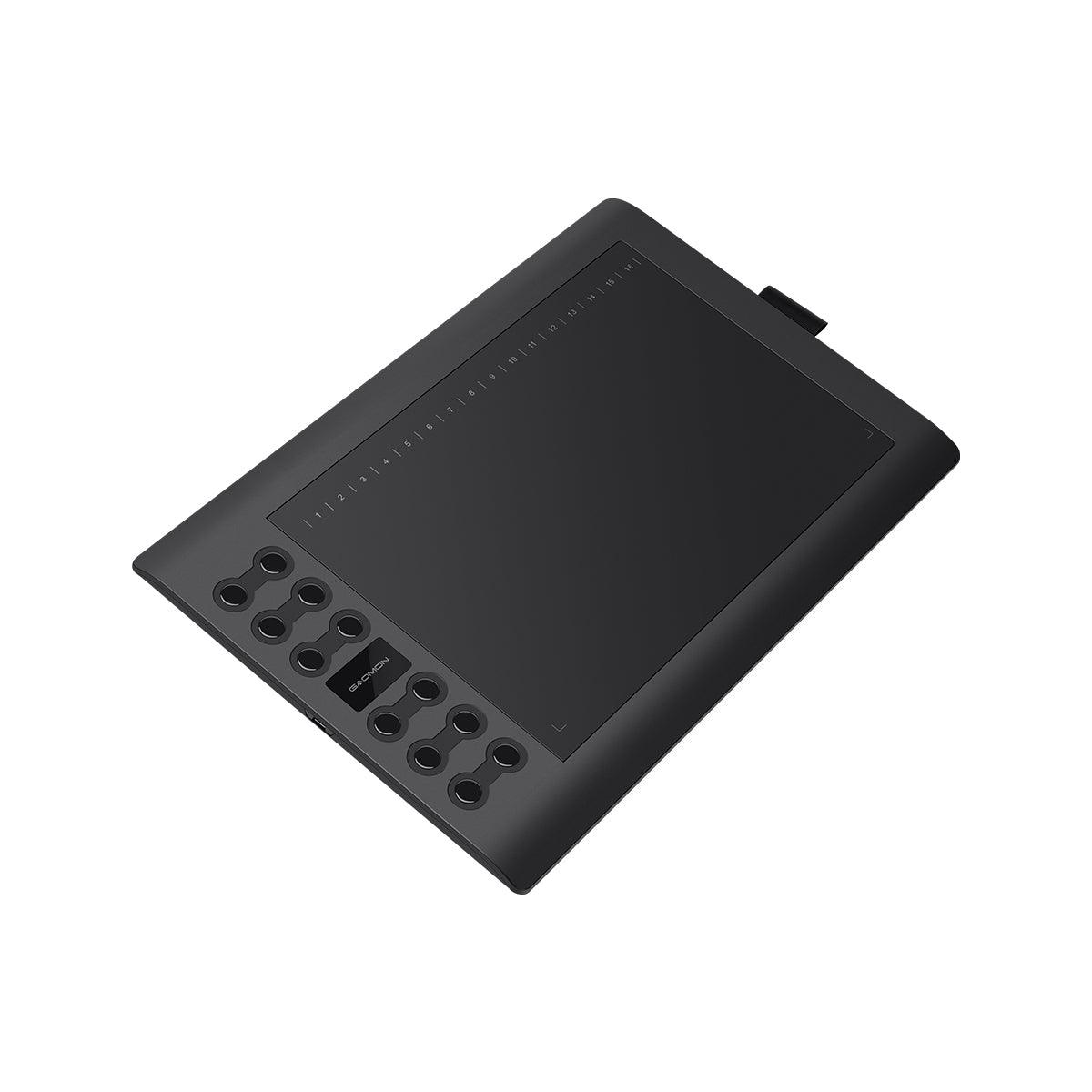
10x6.25 inches working are, 12 express keys, battery-free pen
Regular price
$50.99 USD
Regular price
$73.99 USD
Sale price
$50.99 USD
Shipping calculated at checkout.
Quantity
Couldn't load pickup availability
- Free Shipping on Orders over $100 USD
- 30-day Return & Refund
- 1-year Limited Warranty
Specification
CONNECT CREATIVITY
TO YOUR LIFE
·AP32 Passive Pen
·8192 Levels Pen Pressure
·12 Express Keys+16 Soft Keys
·±60° Tilt

Easy to Get Started with Express Keys
The 28 keys can be customized in different programs according to your needs like brush enhance/weaken, zoom-in/out, cancel, hand tool, brush tool, erase, etc.
-
 12 Hard Express keys
 -
 16 Soft Express keys

Touch Keys Improve Work Efficiency
254×158.8 mm work-space of the M106K Pro graphics drawing tablet supports up to ±60 degrees tilt recognition and will provide you with pen-on-paper drawing experience.
Instant Display of Your Ideas
Passive stylus AP32 with 8192 levels of pressure sensitivities and 266 PPS report rate, which allows you freely output your inspiration immediately. Providing you with accurate and smoothly drawing experience.
-
 8192 Levels
 -
 ≥200PPS


Lifelike Demonstration of Your Drawing Skills
Tilt sensitivity makes a digital stylus to draw as natural as a normal pencil. With this function, when you use the pen on a slant angle it changes the behavior of the strokes from a normal line to shaded ones – just like in a normal pencil.
-
 ±60° Tilt Support
 -
 Battery-Free Pen
Turn Your Smart Phone into a Digital Canvas
Battery-free pen tablet M106K Pro can be connected to an Android device with an OTG adaptor, which provides a more accessible way as you need to sketch or retouch images.

Portable Enough to Bring it Anywhere
Designed for better convenience, GAOMON M106K Pro only has 0.78kg, 10.5mm thickness, which helps you creative anytime you want.
-
inch、
 0.78kgWeight
 -
 10.5mmThickness

Also Convenient for Left-handed
The Mini-USB interface provides better user experience
for both right or left-handed users.
for both right or left-handed users.

More Possibilities For Your Individual Life
Free writing and painting to inspire your imagination
Digital signing with original writing
Online class with dynamic teaching


All For Convenience
GAOMON M106K Pro is compatible with both macOS and Windows, supporting various mainstream drawing and designing software. Flexible Connectivity Compatibility Support Version: Windows 7 or above, Mac OS 10.12 or above,and Android OS 6.0 or later.

WIndows or Mac OS

Android Mode

-
 M106K Pro
 -
 AP32 Pen
 -
 Nibs
Nibs -
 Nib Clip
 -
 Nib Pack
 -
 Pen Case
 -
Mini USB Cable
-
 Quick Start Guide

Description
CONNECT CREATIVITY
TO YOUR LIFE
·AP32 Passive Pen
·8192 Levels Pen Pressure
·12 Express Keys+16 Soft Keys
·±60° Tilt
Easy to Get Started with Express Keys
The 28 keys can be customized in different programs according to your needs like brush enhance/weaken, zoom-in/out, cancel, hand tool, brush tool, erase, etc.
-
12 Hard Express keys
-
16 Soft Express keys
Touch Keys Improve Work Efficiency
254×158.8 mm work-space of the M106K Pro graphics drawing tablet supports up to ±60 degrees tilt recognition and will provide you with pen-on-paper drawing experience.
Instant Display of Your Ideas
Passive stylus AP32 with 8192 levels of pressure sensitivities and 266 PPS report rate, which allows you freely output your inspiration immediately. Providing you with accurate and smoothly drawing experience.
-
8192 Levels
-
≥200PPS
Lifelike Demonstration of Your Drawing Skills
Tilt sensitivity makes a digital stylus to draw as natural as a normal pencil. With this function, when you use the pen on a slant angle it changes the behavior of the strokes from a normal line to shaded ones – just like in a normal pencil.
-
±60° Tilt Support
-
Battery-Free Pen
Turn Your Smart Phone into a Digital Canvas
Battery-free pen tablet M106K Pro can be connected to an Android device with an OTG adaptor, which provides a more accessible way as you need to sketch or retouch images.
Portable Enough to Bring it Anywhere
Designed for better convenience, GAOMON M106K Pro only has 0.78kg, 10.5mm thickness, which helps you creative anytime you want.
-
inch、
0.78kgWeight
-
10.5mmThickness
Also Convenient for Left-handed
The Mini-USB interface provides better user experience
for both right or left-handed users.
for both right or left-handed users.
More Possibilities For Your Individual Life
Free writing and painting to inspire your imagination
Digital signing with original writing
Online class with dynamic teaching
All For Convenience
GAOMON M106K Pro is compatible with both macOS and Windows, supporting various mainstream drawing and designing software. Flexible Connectivity Compatibility Support Version: Windows 7 or above, Mac OS 10.12 or above,and Android OS 6.0 or later.
WIndows or Mac OS
Android Mode
-
M106K Pro
-
AP32 Pen
-
Nibs
-
Nib Clip
-
Nib Pack
-
Pen Case
-
Mini USB Cable
-
Quick Start Guide