

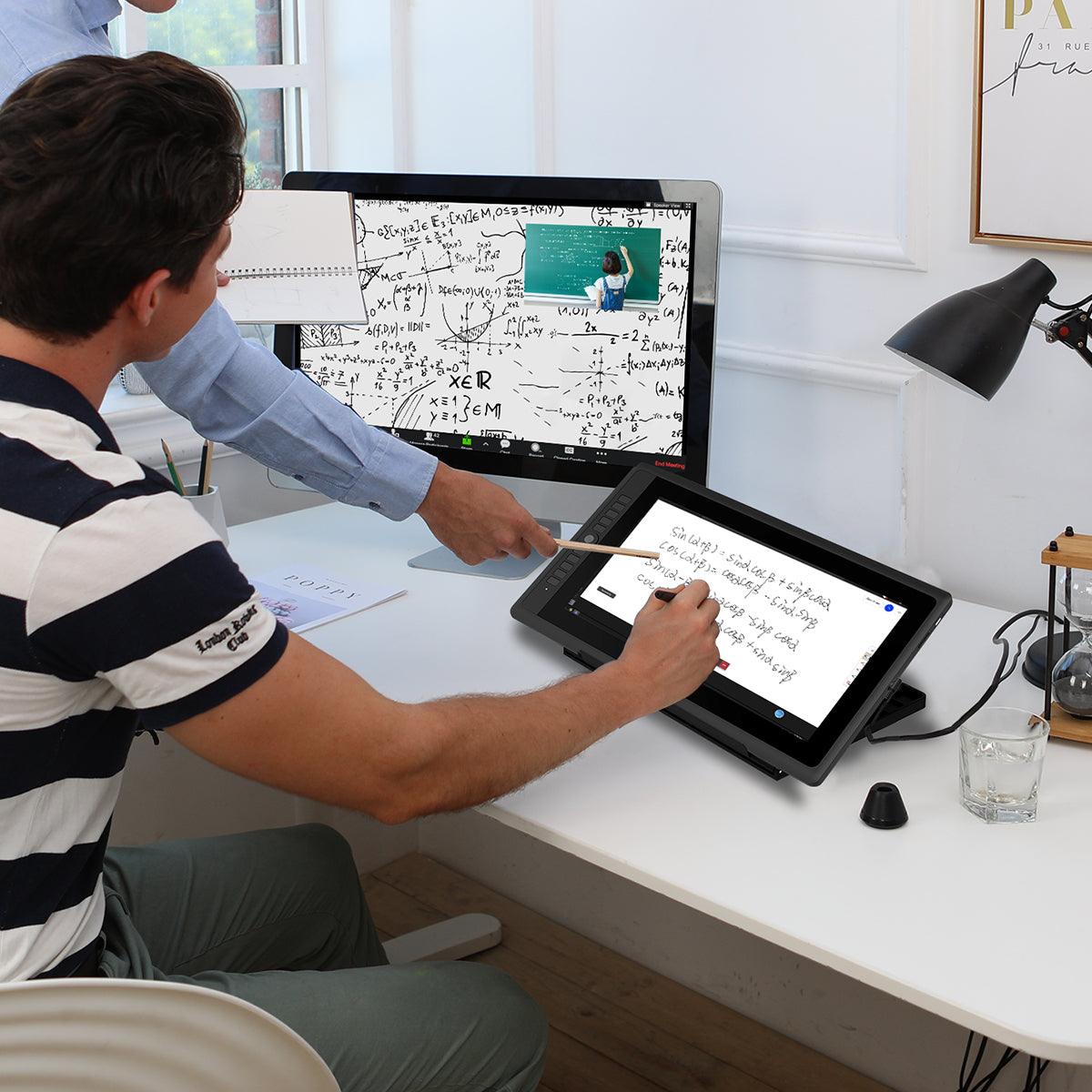


GAOMON PD156 Pro Stift-Display
GAOMON PD156 Pro Stift-Display
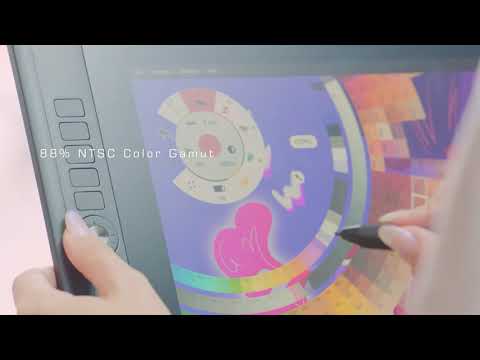
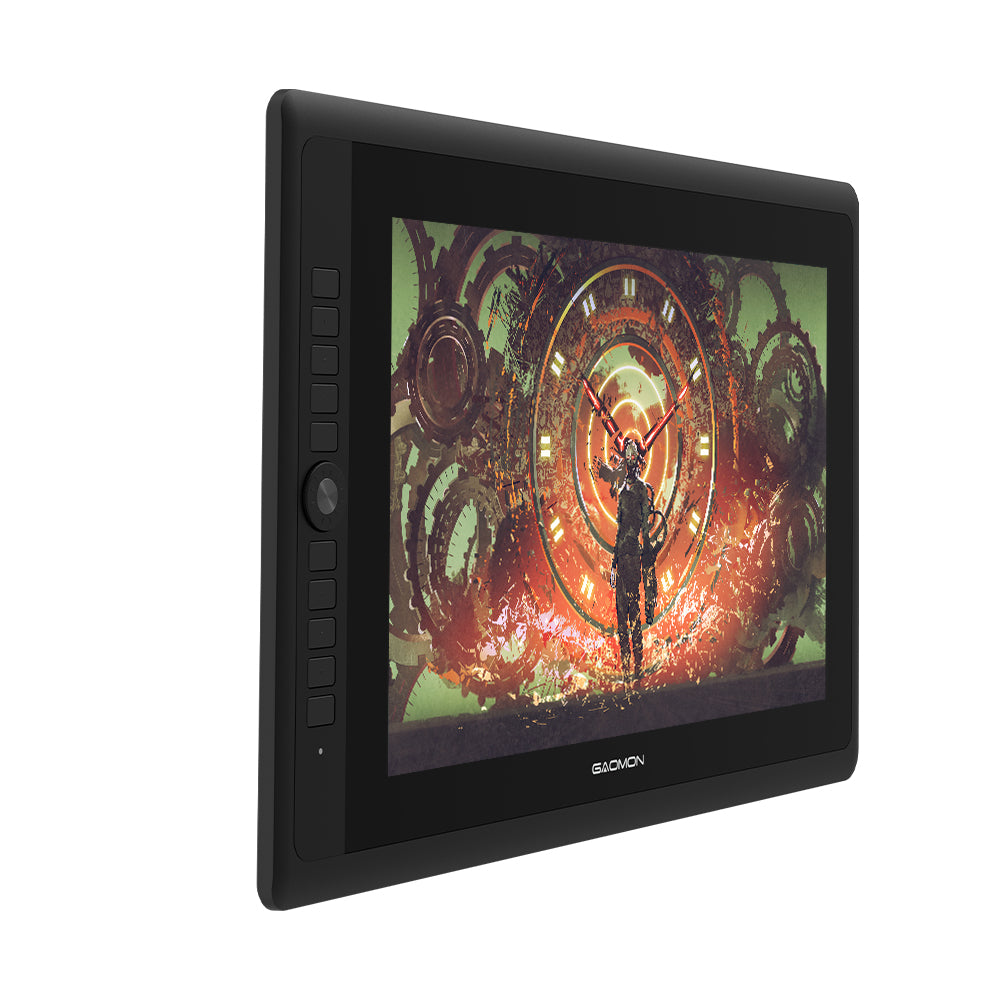
15,6-Zoll-Stiftdisplay, 12,5 mm dick, 88 % NTSC-Farbraumabdeckung
Verfügbarkeit für Abholungen konnte nicht geladen werden
- Kostenloser Versand für Bestellungen über 50 $
- 30-tägige Rückgabe und Rückerstattung
- 1 Jahr eingeschränkte Garantie
Spezifikation

- Dicke
12,5 mm
- Nettogewicht
1,3 kg

-
 220 cd/m²Helligkeit
 -
 16,7 MillionenAnzeigefarbe
 -
 88 % NTSCFarbpalette
 -
 1920 x 1080Auflösung


-
 Entspiegeltes, geätztes Glas
 -
 Volllaminierung
-
 Batteriefrei
 -
 Neigungsstütze
 -
 Hoher Stiftdruck
 -
 Keine Verzögerung


-
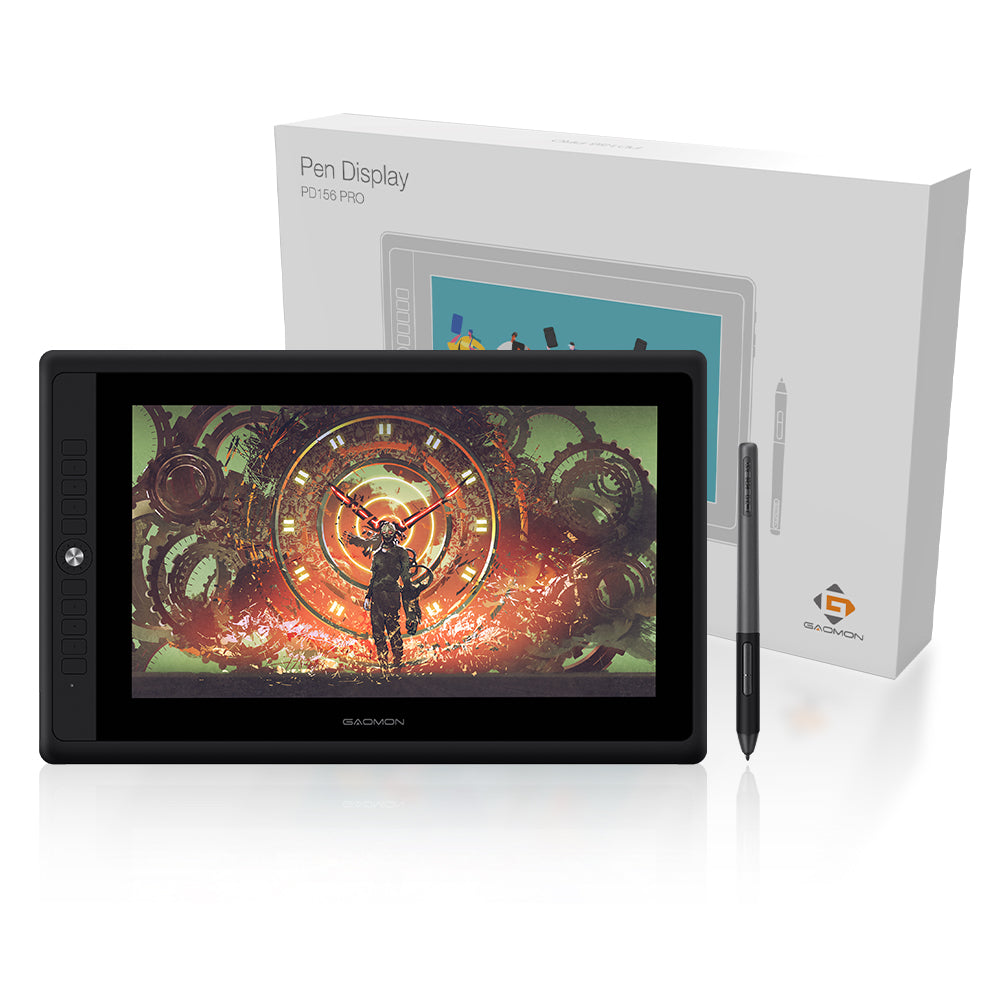
 GMS01 Ständer (im Lieferumfang enthalten)
 -
 GMS02 Ständer (optional)




-
 PD156 Pro
 -
 AP50 Stift
 -
 Stifthalter
 -
 Nibs
Nibs -
 Netzteil
 -
 3-in-1-Kabel
 -
 GMS01 Stand
 -
 Schnellstartanleitung
Die Begriffe HDMI, HDMI High-Definition Multimedia Interface, HDMI Trade Dress und die HDMI-Logos sind Marken oder eingetragene Marken von HDMI Licensing Administrator, Inc.
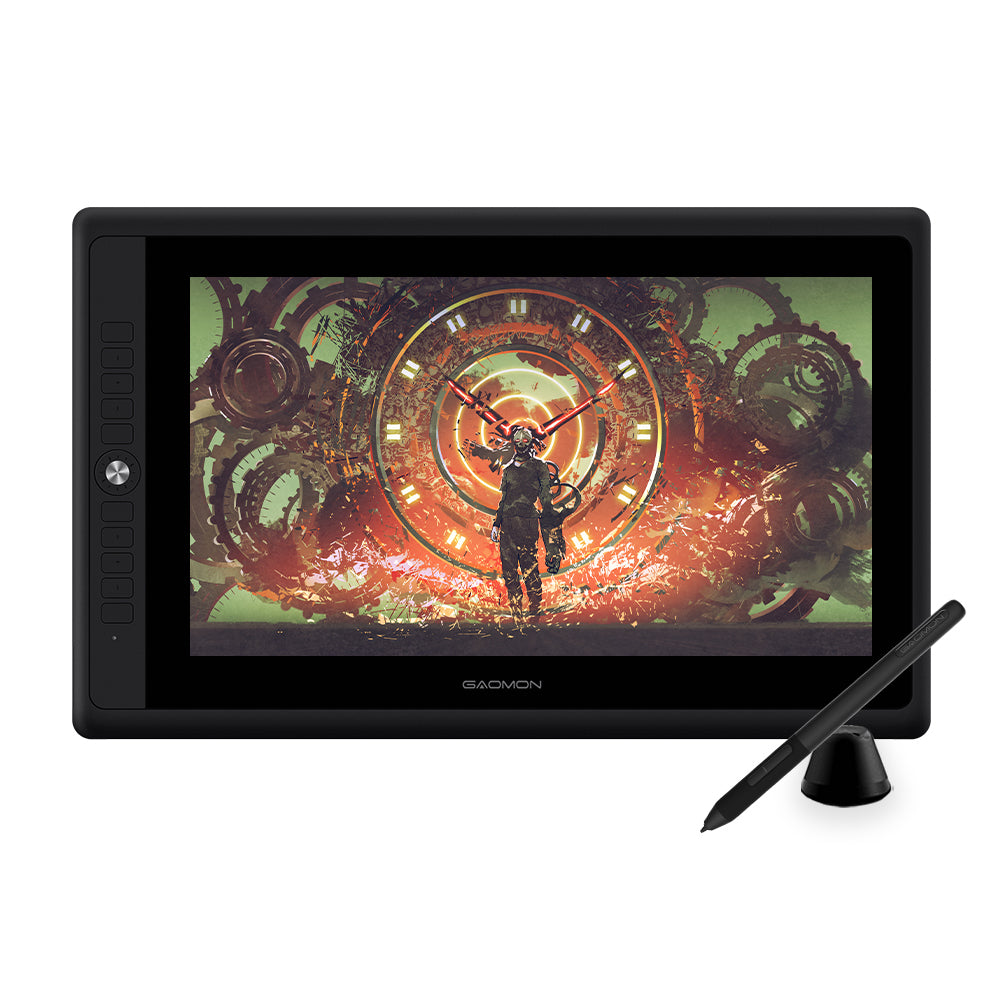
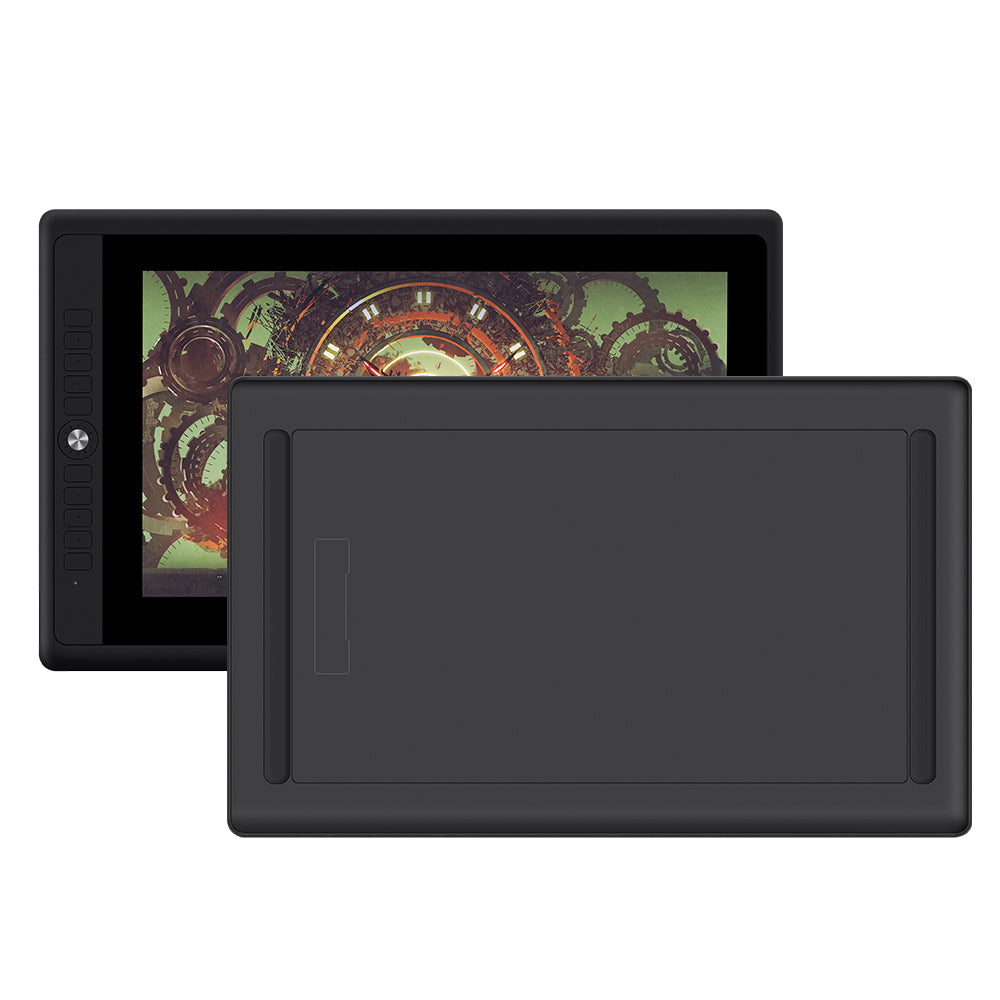
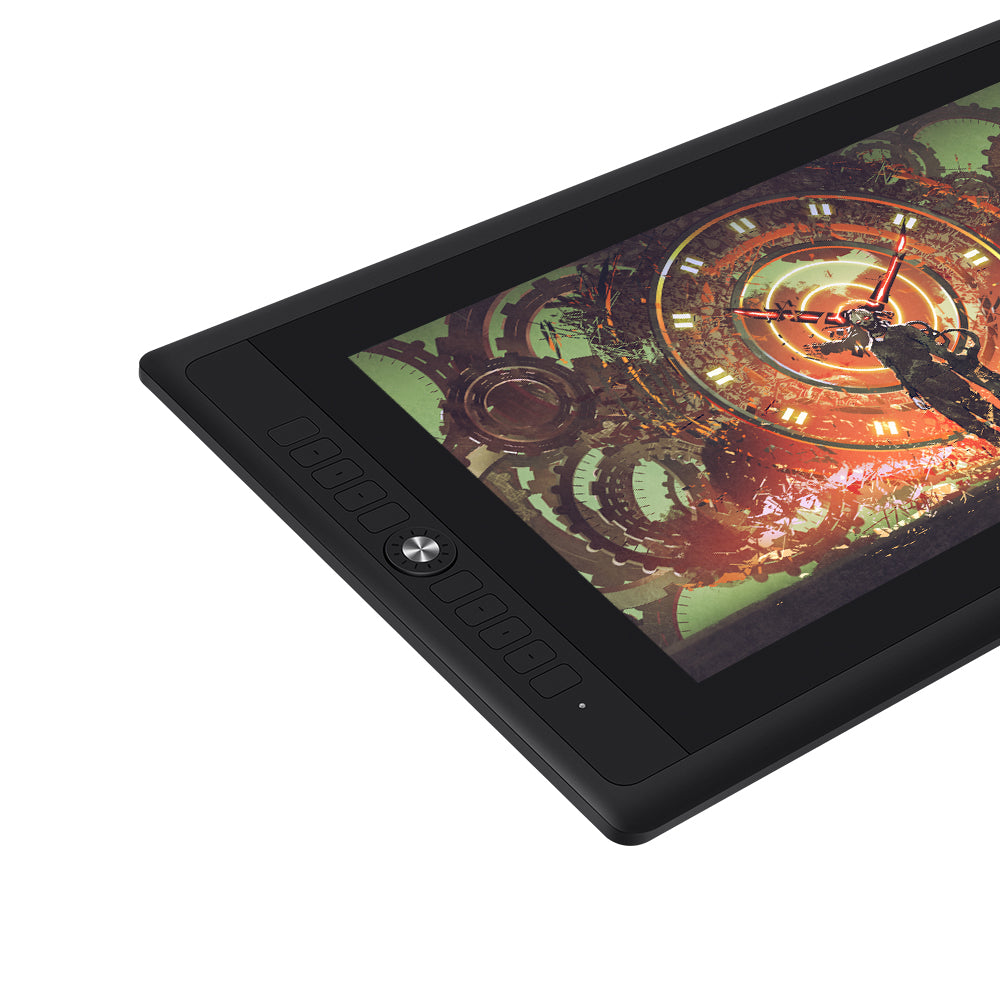
Description
- Dicke
12,5 mm
- Nettogewicht
1,3 kg
-
220 cd/m²Helligkeit
-
16,7 MillionenAnzeigefarbe
-
88 % NTSCFarbpalette
-
1920 x 1080Auflösung
-
Entspiegeltes, geätztes Glas
-
Volllaminierung
-
Batteriefrei
-
Neigungsstütze
-
Hoher Stiftdruck
-
Keine Verzögerung
-
GMS01 Ständer (im Lieferumfang enthalten)
-
GMS02 Ständer (optional)
-
PD156 Pro
-
AP50 Stift
-
Stifthalter
-
Nibs
-
Netzteil
-
3-in-1-Kabel
-
GMS01 Stand
-
Schnellstartanleitung
Die Begriffe HDMI, HDMI High-Definition Multimedia Interface, HDMI Trade Dress und die HDMI-Logos sind Marken oder eingetragene Marken von HDMI Licensing Administrator, Inc.
Customers praised this pen display for its "great responsiveness" and large screen. Reviews highlight easy installation, minimal delay, and compatibility with various software. It works on Linux and Mac systems. The display is intuitive and perfect for beginners. Some noted occasional cable issues, but overall customers love the quality and value for price.
Produto perfeito é impressionante que praticamente não existe delay, perfeito para iniciantes na minha opinião. Recomendo.
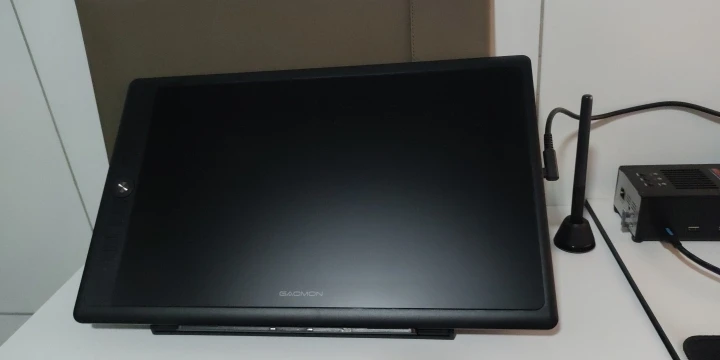
Produto chegou muito bem embalado e em perfeitas condições. O display é incrível de fácil instalação super recomendo a todos.


A mesa Digitalizadora é ótima, muito maior do que eu imaginava. Fácil de mexer e bem intuitiva, ainda estou aprendendo, mas a qualidade é ótima e funciona perfeitamente. O envio foi muito rápido.


GAOMON PD156 Pro Pen Display

A mesa é ótima e vieram muitos acessórios! O vendedor é super atencioso e tirou todas as minhas dúvidas. Recomendo muito, podem comprar tranquilamente. ❤️❤️
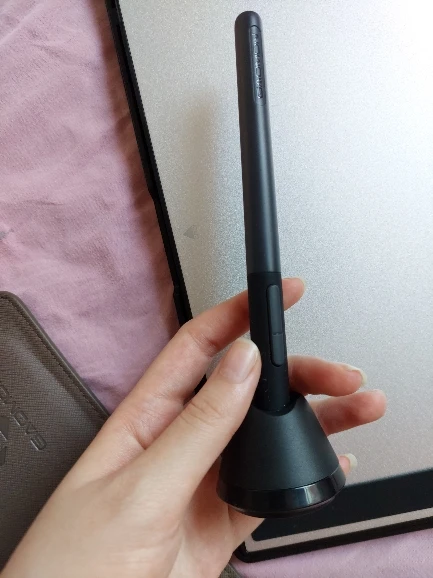
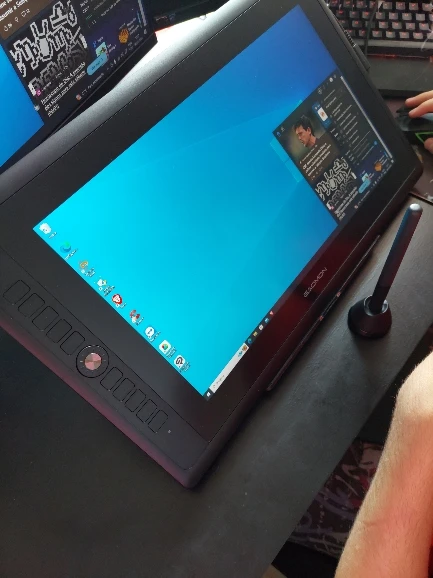
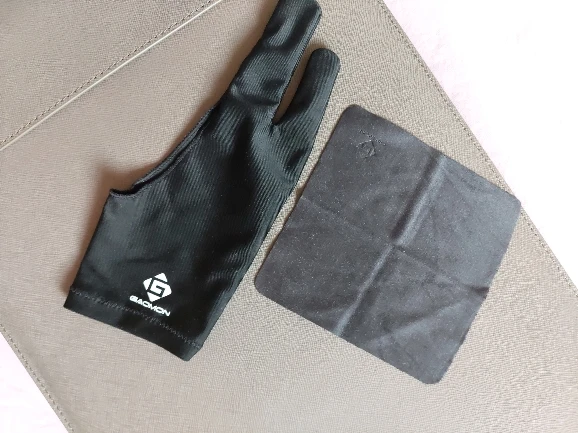
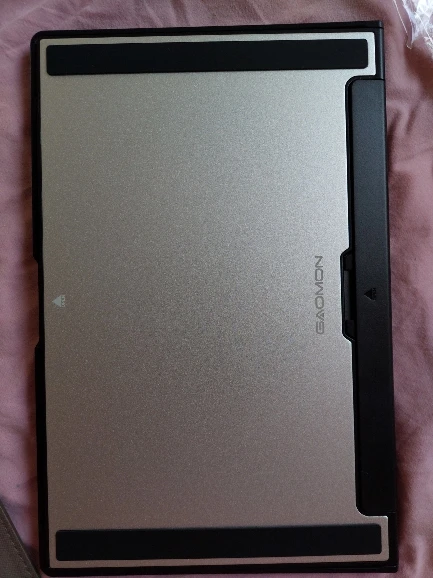
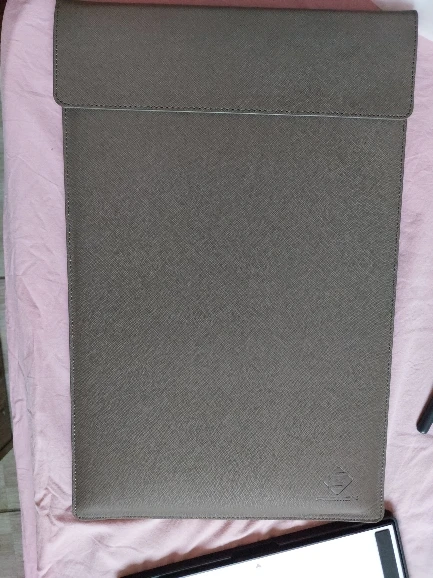
After a tragic rolly chair accident that saw my last drawing table damaged, I replaced it with my new Gaomon tablet. Great responsiveness and awesome functionality.
The following review will describe how I got the tablet to work best on linux. If you don't care to read all that, just know that I think this tablet is good.
My first drawing tablet was a Ugee U1200. The first party driver for that did not work at all on my system, which is Arch-based with KDE and Wayland. So, I used Open Tablet Driver and that was fine. When it came time to upgrade, I wanted a tablet with buttons and an wheel for convenience. Open Tablet Driver doesn't currently support wheels on any tablets, and after my bad experience with the Ugee driver, I wanted to try a different brand. XP Pen is owned by Ugee so I didn't have much faith in them, but Gaomon is under Huion so I thought my chances would be better here. The Gaomon driver technically works on my system, but I think something about the compositor results in the tablet mapping incorrectly to the screen. Open tablet driver maps it properly, but the wheel doesn't work.
Fortunately, I learned about the Digimend kernel driver, which makes the tablet recognizable by KDE tablet settings. From there, I was able to use Input Remapper to bind all of the tablet buttons as well as the wheel. The only functionality I'm losing out on with this setup is the button at the center of the wheel, although I'm sure I could just program any of the other buttons on the tablet to replace it.
I imagine this whole driver issue is just because of my specific system setup, but I just wanted to let the people know what alternative driver options are out there.
muito bom, recomendo. Grande, intuitivo e não ocupa muito espaço
excelente
very good for its price, and has a pretty big screen!
the only thing I have to say is that the original cable broke after I accidently left the tablet on overnight, but got a replacement easily.
overall, I loving using this thing! Its sturdy, and just plugs in and its good to go!
Hello,
Thank you sincerely for the 5-star rating!✨
we're delighted to hear you're enjoying our product. Should you have any questions or suggestions, please don't hesitate to get in touch!
I bought a PD 156 Pro refurbished at eBay after the TSA broke my 3rd Huion tablet. I should learn my lesson and never put a graphics tablet in check in baggage. Anyway iit was a breeze getting it to talk to my MacBook Pro and there is no lag in Painter.. I have used Huion and Wacom tablets for many years and I was hesitant to try another brand, but I'm very pleased with this device. Thank you for offering an alternative and here's a few tips as I didn't read the manual. The usb and the hdmi need to be hooked up to your computer. You'll need an adapter for Mac, though I have not tried a C to C connection, not sure it would work.
If you get problems with parallax after calibration, use the default setting. MacBook Pro core i9 running Catalina.
Thank you for your feedback! We're happy to assist you.
Your feedback is extremely valuable to us.
Please remember that we're here to help whenever you need assistance.
Thank you very much!
Initially I tried using a free vector art creation application known as Inkscape with my Gaomon PD156 PRO tablet, and it unfortunately does not work with the PD156 PRO as well as some other Gaomon tablets, so for an alternate vector art and raster art solution with a minimal cost: I found that Affinity Designer works great with my PD156 PRO!
Affinity Designer is a one time charge of $50 as opposed to Adobe Illustrator which is around $21 every month. I purchased Affinity Designer on sale for $25 off. There are also Affinity Publisher and Affinity Photo, both costing $50 each unless on sale for less, which are great beginner and budget minded alternatives to Adobe Photoshop. There are also trial versions of Affinity products available. Affinity is a great program to get started with the Gaomon for both vector and raster art if it is one's first tablet.
I am loving my tablet! Thank you Gaomon!