

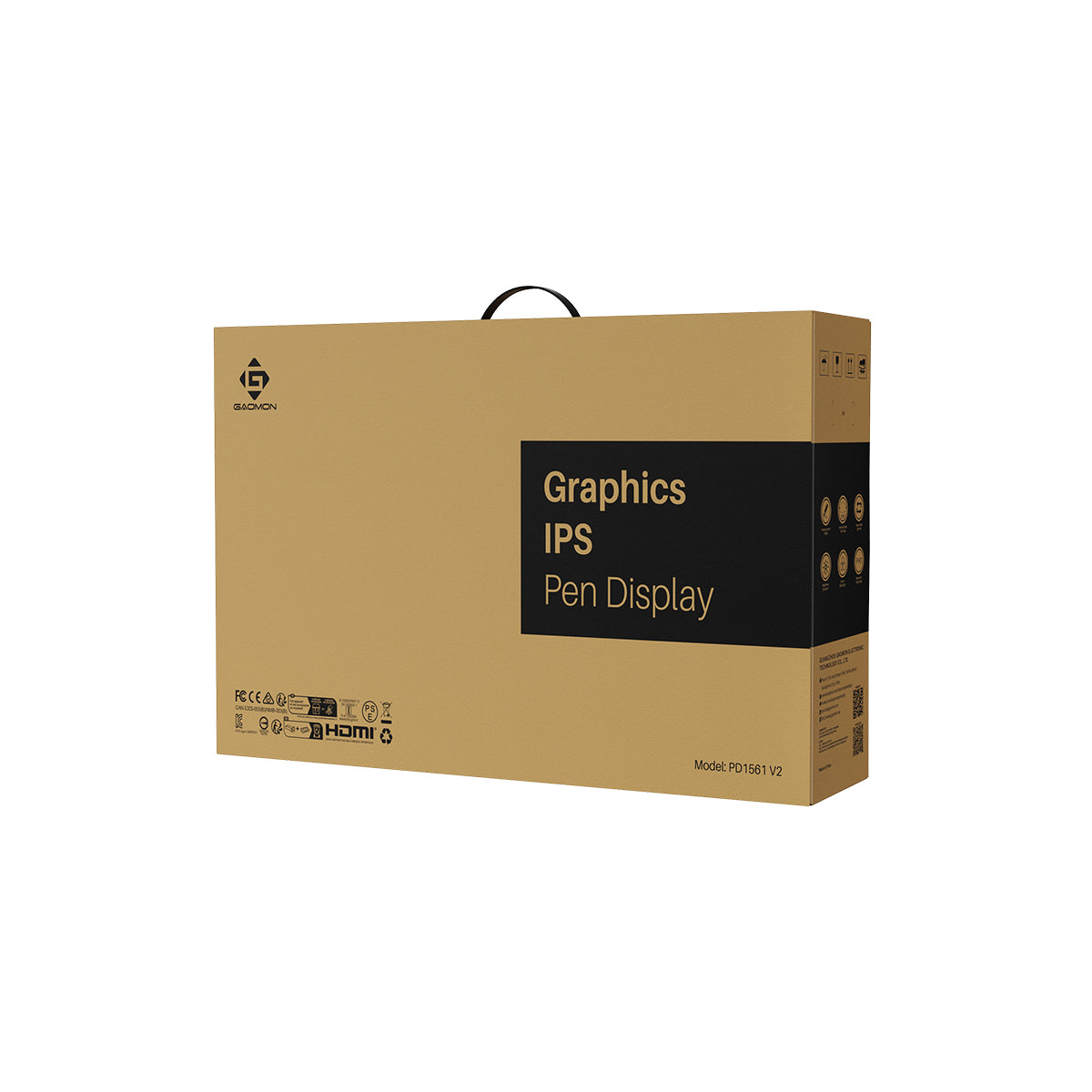
GAOMON PD1561 V2 Pen Display
GAOMON PD1561 V2 Pen Display
15.6" full-lamination screen with 16K Pressure Stylus
Ships from Russia.
Не удалось загрузить сведения о доступности самовывоза
- Free Shipping on Orders over $100 USD
- 30-day Return & Refund
- 1-year Limited Warranty


The Wisest Way to Start
Gaomon PD1561 V2
Featuring a 15.6-inch full-lamination screen, a stylus with 16K pressure and ΔE<1.5 color accuracy, the display provides users with a native painting experience and excellent color performance. Easy connection, intuitive operation, and high cost-effectiveness - all ready for beginners.


Battery-free G Pen
16K pressure sensitivity
3g initial activation force
0.3mm retraction distance
Tilt correction


Accurate Color Display
ΔE<1.5
16.7M colors
99% sRGB
99% Rec.709


Durable Anti-glare Screen
Full lamination
Paper-like feel
Reduced reflections


VESA Mount Support
With included stand and more options


Custom Shortcut Keys
Preset and beginner-friendly


Easier Connection
HDMI + USB or full-featured USB-C


Dual Modes
Pen Display and Pen Tablet
Advanced Battery-Free Pen - G Pen
The stylus, G Pen, is battery-free and delivers an astonishing writing experience. With support for key customization, such as switching brushes and undoing operations, creators' efficiency is greatly enhanced. The silicone grip is comfortable to hold, and the pen nib is durable and designed for long-term drawing and writing.

2 Side Keys
Battery-Free
Standard Pen Nib
Silicone Grip
Natural, Accurate Drawing Experience
G Pen boasts 16,384 levels of pressure sensitivity, contributing to a more natural line change. Additionally, it supports ±60° tilt recognition (software support required) to deliver strokes similar to those of a pencil or marker pen. Furthermore, the tilt correction function helps reduce cursor offset. No matter what posture or angle you use to draw, you will receive precise and responsive tip feedback, which is vital for creators.

16K
Pressure Sensitivity
±60°
Tilt Recognition
Tilt Correction

0.3mm Retraction Distance


3g Activation Force


10mm Hover Detection


Stable, Responsive Pen Performance
The stylus features a hard pen construction with a 0.3mm short retraction, minimizing nib wobble during use. It requires only a 3g initial activation force for a quick response, allowing users to write with ease. Additionally, it offers great flexibility by enabling users to adjust the maximum pressure sensitivity. With a 300 PPS report rate and a 10mm hover detection, it can quickly detect changes in pen movements, delivering precise lines without lag.
Clear Visuals from Every Angle
Gaomon PD1561 V2 offers a 1920x1080 FHD resolution and a 178° viewing angle, providing clear and brilliant visual experiences for users.


1920*1080
Resolution
178°
Wide View Angle
220nit
Brightness
1000:1
Contrast Ratio
Portable and Comfortable to Use
The 15.6-inch screen provides ample creative room without occupying too much desk space, for a comfortable and free creative flow. Weighing only 1.583kg, it's easy to carry with the included protective sleeve case.


Accurate and Vivid Colors
Gaomon PD1561 V2 supports Native, sRGB, and Rec. 709 color gamuts. It can display up to 16.7 million colors for vibrant, clear and true-to-life visuals. With a ΔE<1.5 color accuracy and rigorous factory calibration, the display is ideal for digital painting, illustration, 3D modeling, and photo editing, it meets creative needs for beginners and artists at all levels.
99% sRGB
99% Rec.709
ΔE<1.5

Anti-Glare, Paper-like Surface
It is coated with an anti-glare film to reduce reflections and environmental interference. Its matte texture provides added friction for the pen nib, delivering a painting experience that closely resembles working on paper. Additionally, it features anti-fingerprint and scratch-resistant properties, enhancing durability and keeping it clean.


Full-Laminated Display
Gaomon PD1561 V2 utilizes full-lamination technology to effectively minimize parallax, ensuring that the pen tip and cursor are tightly aligned. With no air layer, it improves light transmission, resulting in brighter, clearer images and a more natural overall viewing experience.

Faster, Smarter Workflow
It comes equipped with 10 preset shortcuts to help beginners get started quickly, while also supporting customization according to users' habits and preferences. There are 5 physical OSD keys on the side—AUTO, +, -, MENU, and POWER. It allows users to adjust parameters such as brightness, color modes, contrast, and other settings via the MENU key, making the workflow more efficient.


Easier Connection, Wider Compatibility
This display features an upgraded connection scheme. It supports a full-featured USB-C connection to laptops, PC and Mac. You can also connect to a computer via an HDMI + 2-in-1 cable setup. No extra power needed for quick setup and instant creative use.
Android devices are connected with the HDMI and 2-in-1 cables, but requires a separate docking station and USB-A charger. (For specific instructions, please refer to this FAQ.)


*The full-featured USB-C cable is sold separately.
*Your connected device's interface should comply with DP 1.2 standards.
OS Compatibility

Windows

macOS

Android

Linux
Software Support

PS

Cinema 4D

AI

CSP

HiPaint

MediBang Paint

Blender

CAD
One Device, Two Ways to Create
Gaomon PD1561 V2 supports switching between pen display and pen tablet modes. In either mode, this 2-in-1 creative equipment offers users a flexible experience.


*To activate the Pen Tablet mode:
If the pen display is off, just connect it to the laptop with the USB cable.
If the pen display is on, power it off first, then reinsert the male plug of the USB cable to the pen display.
Better Ergonomics, Better Cooling
It comes with an adjustable stand that uses the 100×100mm standard VESA interface on the back. Supporting multi-angle adjustments from 10° to 90°, it provides solid and comfortable support during use. Users can also purchase and use other compatible VESA stands as desired.


The back of the device features built-in ventilation holes for effective heat dissipation, preventing overheating during hours of use and keeping the user's drawing experience smooth and comfortable.
In the Box

Gaomon PD1561 V2

Battery-Free G Pen

Pen Holder

Standard Nibs*8

Adjustable Stand

HDMI Cable

2-in-1 Cable

Drawing Glove

Screws*4
L-shaped Screwdriver

Quick Start Guide

Driver Download Card

Sleeve Case
What are the Upgrades?

PD1561 V2

PD1561
99% Rec.709
macOS 10.12 or later
Linux
Android (USB3.0 DP1.2 or later)
macOS 10.12 or later


Description
The Wisest Way to Start
Gaomon PD1561 V2
Featuring a 15.6-inch full-lamination screen, a stylus with 16K pressure and ΔE<1.5 color accuracy, the display provides users with a native painting experience and excellent color performance. Easy connection, intuitive operation, and high cost-effectiveness - all ready for beginners.
Battery-free G Pen
16K pressure sensitivity
3g initial activation force
0.3mm retraction distance
Tilt correction
Accurate Color Display
ΔE<1.5
16.7M colors
99% sRGB
99% Rec.709
Durable Anti-glare Screen
Full lamination
Paper-like feel
Reduced reflections
VESA Mount Support
With included stand and more options
Custom Shortcut Keys
Preset and beginner-friendly
Easier Connection
HDMI + USB or full-featured USB-C
Dual Modes
Pen Display and Pen Tablet
Advanced Battery-Free Pen - G Pen
The stylus, G Pen, is battery-free and delivers an astonishing writing experience. With support for key customization, such as switching brushes and undoing operations, creators' efficiency is greatly enhanced. The silicone grip is comfortable to hold, and the pen nib is durable and designed for long-term drawing and writing.
2 Side Keys
Battery-Free
Standard Pen Nib
Silicone Grip
Natural, Accurate Drawing Experience
G Pen boasts 16,384 levels of pressure sensitivity, contributing to a more natural line change. Additionally, it supports ±60° tilt recognition (software support required) to deliver strokes similar to those of a pencil or marker pen. Furthermore, the tilt correction function helps reduce cursor offset. No matter what posture or angle you use to draw, you will receive precise and responsive tip feedback, which is vital for creators.
16K
Pressure Sensitivity
±60°
Tilt Recognition
Tilt Correction
0.3mm Retraction Distance
3g Activation Force
10mm Hover Detection
Stable, Responsive Pen Performance
The stylus features a hard pen construction with a 0.3mm short retraction, minimizing nib wobble during use. It requires only a 3g initial activation force for a quick response, allowing users to write with ease. Additionally, it offers great flexibility by enabling users to adjust the maximum pressure sensitivity. With a 300 PPS report rate and a 10mm hover detection, it can quickly detect changes in pen movements, delivering precise lines without lag.
Clear Visuals from Every Angle
Gaomon PD1561 V2 offers a 1920x1080 FHD resolution and a 178° viewing angle, providing clear and brilliant visual experiences for users.
1920*1080
Resolution
178°
Wide View Angle
220nit
Brightness
1000:1
Contrast Ratio
Portable and Comfortable to Use
The 15.6-inch screen provides ample creative room without occupying too much desk space, for a comfortable and free creative flow. Weighing only 1.583kg, it's easy to carry with the included protective sleeve case.
Accurate and Vivid Colors
Gaomon PD1561 V2 supports Native, sRGB, and Rec. 709 color gamuts. It can display up to 16.7 million colors for vibrant, clear and true-to-life visuals. With a ΔE<1.5 color accuracy and rigorous factory calibration, the display is ideal for digital painting, illustration, 3D modeling, and photo editing, it meets creative needs for beginners and artists at all levels.
99% sRGB
99% Rec.709
ΔE<1.5
Anti-Glare, Paper-like Surface
It is coated with an anti-glare film to reduce reflections and environmental interference. Its matte texture provides added friction for the pen nib, delivering a painting experience that closely resembles working on paper. Additionally, it features anti-fingerprint and scratch-resistant properties, enhancing durability and keeping it clean.
Full-Laminated Display
Gaomon PD1561 V2 utilizes full-lamination technology to effectively minimize parallax, ensuring that the pen tip and cursor are tightly aligned. With no air layer, it improves light transmission, resulting in brighter, clearer images and a more natural overall viewing experience.
Faster, Smarter Workflow
It comes equipped with 10 preset shortcuts to help beginners get started quickly, while also supporting customization according to users' habits and preferences. There are 5 physical OSD keys on the side—AUTO, +, -, MENU, and POWER. It allows users to adjust parameters such as brightness, color modes, contrast, and other settings via the MENU key, making the workflow more efficient.
Easier Connection, Wider Compatibility
This display features an upgraded connection scheme. It supports a full-featured USB-C connection to laptops, PC and Mac. You can also connect to a computer via an HDMI + 2-in-1 cable setup. No extra power needed for quick setup and instant creative use.
Android devices are connected with the HDMI and 2-in-1 cables, but requires a separate docking station and USB-A charger. (For specific instructions, please refer to this FAQ.)
*The full-featured USB-C cable is sold separately.
*Your connected device's interface should comply with DP 1.2 standards.
OS Compatibility
Windows
macOS
Android
Linux
Software Support
PS
Cinema 4D
AI
CSP
HiPaint
MediBang Paint
Blender
CAD
One Device, Two Ways to Create
Gaomon PD1561 V2 supports switching between pen display and pen tablet modes. In either mode, this 2-in-1 creative equipment offers users a flexible experience.
*To activate the Pen Tablet mode:
If the pen display is off, just connect it to the laptop with the USB cable.
If the pen display is on, power it off first, then reinsert the male plug of the USB cable to the pen display.
Better Ergonomics, Better Cooling
It comes with an adjustable stand that uses the 100×100mm standard VESA interface on the back. Supporting multi-angle adjustments from 10° to 90°, it provides solid and comfortable support during use. Users can also purchase and use other compatible VESA stands as desired.
The back of the device features built-in ventilation holes for effective heat dissipation, preventing overheating during hours of use and keeping the user's drawing experience smooth and comfortable.
In the Box
Gaomon PD1561 V2
Battery-Free G Pen
Pen Holder
Standard Nibs*8
Adjustable Stand
HDMI Cable
2-in-1 Cable
Drawing Glove
Screws*4
L-shaped Screwdriver
Quick Start Guide
Driver Download Card
Sleeve Case
What are the Upgrades?
PD1561 V2
PD1561
99% Rec.709
macOS 10.12 or later
Linux
Android (USB3.0 DP1.2 or later)
macOS 10.12 or later
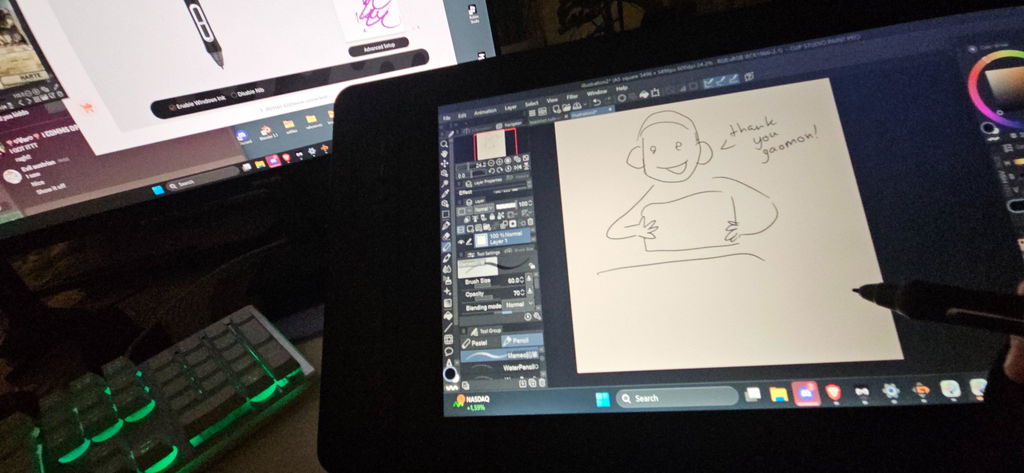
This is my first ever gaomon product and i love it! It fits on my desk and other than that im super happy! Minor difficulties on my part since the menu ui is a bit difficult but i will get used to it