
Tablette à stylet GAOMON M10K Pro
Tablette à stylet GAOMON M10K Pro
Android OS Support, Battery-free, Radial Controller &10 Shortcut Keys
Impossible de charger la disponibilité du service de retrait
- Livraison gratuite sur les commandes de plus de 100 $ US
- Retour et remboursement sous 30 jours
- Garantie limitée de 1 an
Specification

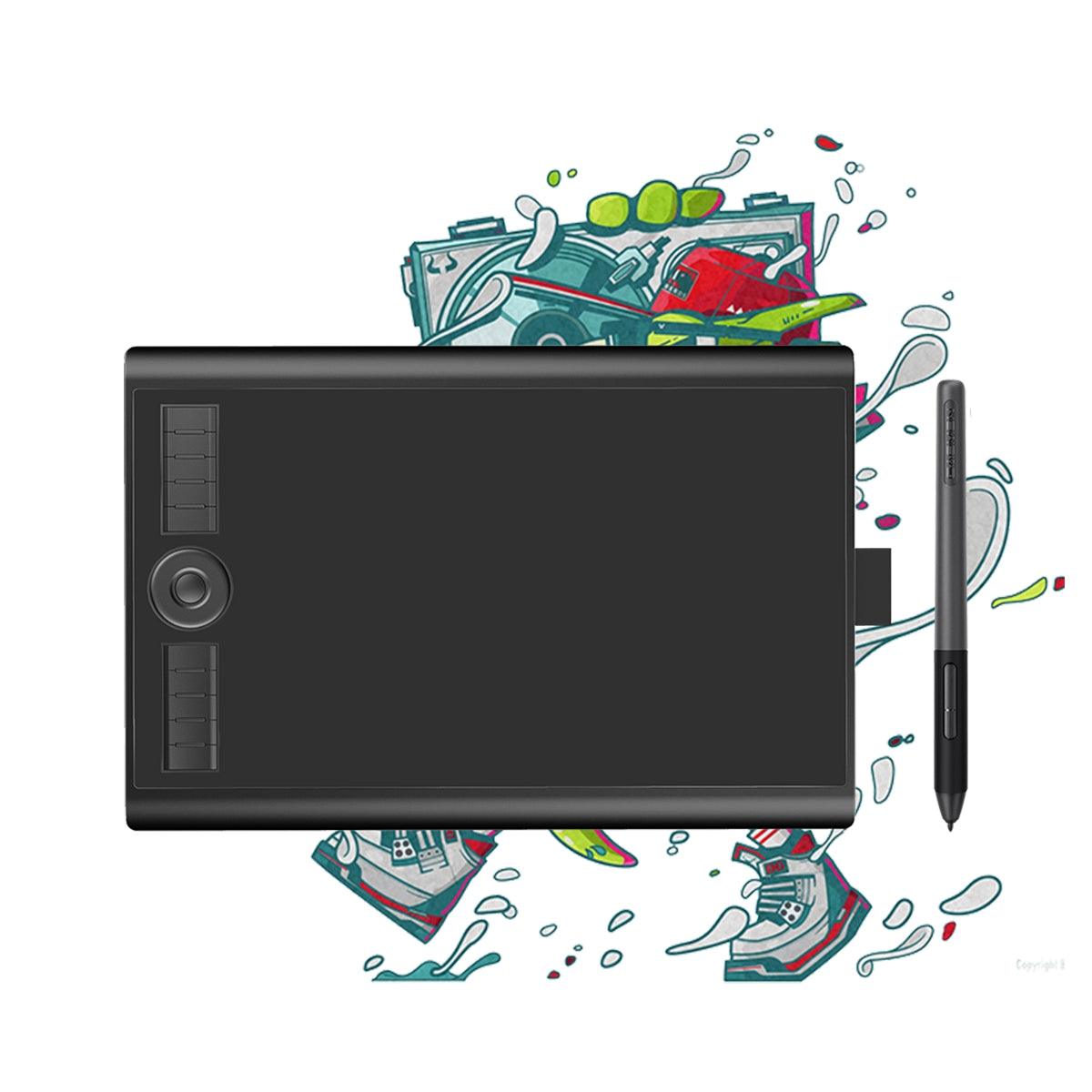
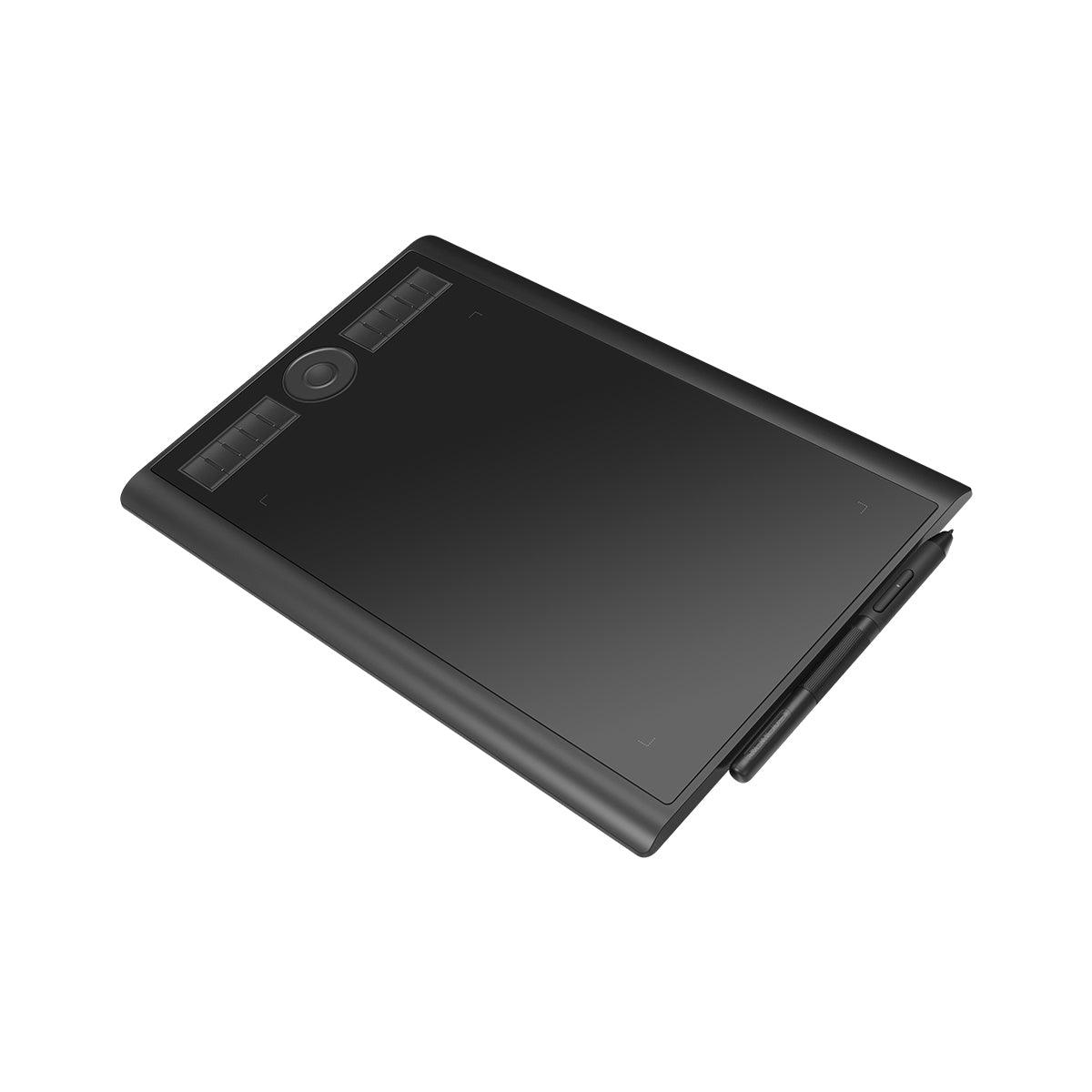
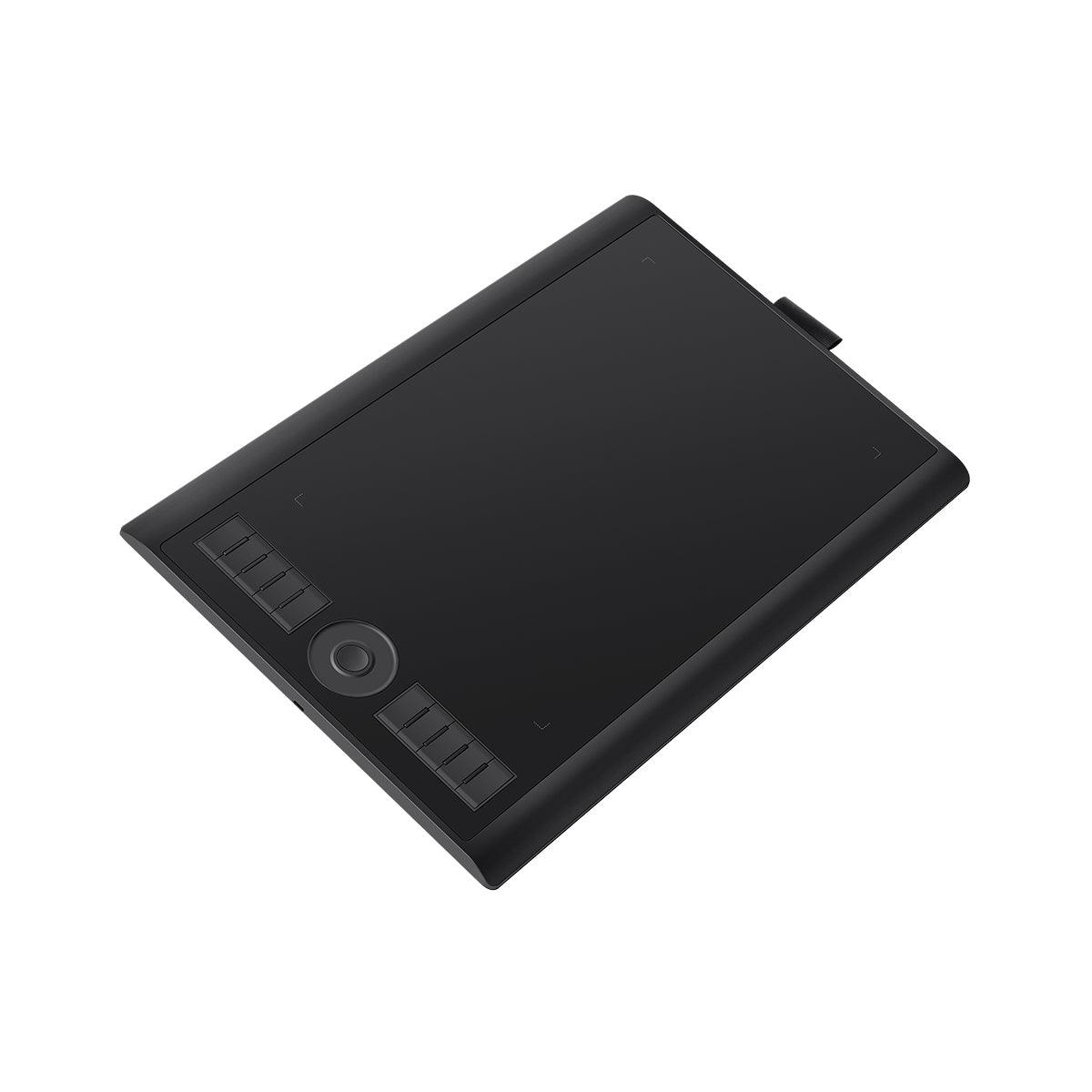
10 touches de raccourci + 1 contrôleur de numérotation Le contrôleur de numérotation est compatible avec le protocole Windows Radial Controler. Vous pouvez configurer le contrôleur de numérotation et les 10 touches de raccourci dans le pilote de tablette GAOMON en fonction de vos préférences, comme le défilement des pages, la sélection des couleurs, le réglage du pinceau, etc. Ces touches express font de votre art création plus facile et plus rapide.


-
 Stylo sans pile
 -
 Pression de stylet élevée
 -
 Touches à 2 boutons

-
 0,69 kgPoids
 -
 10,5 mmÉpaisseur

- · Bouton rond * 1
- · Clé ronde * 1
- ·Clés express personnalisables*10

pour les utilisateurs droitiers ou gauchers.


-
 M10K PRO
 -
 Stylo AP32
 -
 Plumes
 -
 Pince à plume
 -
 Pack de plumes
 -
 Plumier
 -
 Câble micro-USB
 -
 Guide de démarrage rapide
Description
10 touches de raccourci + 1 contrôleur de numérotation Le contrôleur de numérotation est compatible avec le protocole Windows Radial Controler. Vous pouvez configurer le contrôleur de numérotation et les 10 touches de raccourci dans le pilote de tablette GAOMON en fonction de vos préférences, comme le défilement des pages, la sélection des couleurs, le réglage du pinceau, etc. Ces touches express font de votre art création plus facile et plus rapide.
-
Stylo sans pile
-
Pression de stylet élevée
-
Touches à 2 boutons
-
0,69 kgPoids
-
10,5 mmÉpaisseur
- · Bouton rond * 1
- · Clé ronde * 1
- ·Clés express personnalisables*10
pour les utilisateurs droitiers ou gauchers.
-
M10K PRO
-
Stylo AP32
-
Plumes
-
Pince à plume
-
Pack de plumes
-
Plumier
-
Câble micro-USB
-
Guide de démarrage rapide
Customers praised this pen tablet for exceptional value, with "technology like a $300 tablet" at a fraction of the cost. Features pressure sensitivity, tilt sensitivity, and customizable shortcut keys. Reviewers noted responsive performance with "little to no delay." Minor concerns include micro-USB port positioning and basic materials, but overall "well worth the low cost."
Llegó mucho antes de lo esperado (se tardó aprox 4 días)
no venía con el guantecito, pero todo en orden. Cajas en buen estado. La tableta es mas grande de lo que pensé, el espacio de dibujo es como de una hoja tamaño carta.

A very good tablet for the price. It performs all functions, is easy to use, and looks good.
I love the size and the shortcut keys. I was originally going to order a much more expensive tablet without shortcut keys and didn't think I would want them but they are handy. Also this one has better pressure sensitivity and and tilt sensitivity. It's really great for the price. I discovered it via a reddit post where I heard multiple people saying the product had served them well for 5+ years.
Very responsive with little to no delay giving me a natural feel while drawing. Also used it in osu and can confirm that it is fast enough for songs. Overall a good balance between other brands with no cut on performance.
I am using the MK10 Pro for online tutoring and instruction. I am new to handwriting on a tablet and need some time to get more fluid. I am very pleased with the price of the product and how easy it is to start using it.
Отличный планшет для новичка, удобный и качественный. Комплектация впечатлила, единственное что вызвало сомнение это micro-usb в 2025 году, но не думаю что это проблема.
Hey GAOMON TEAM, thank you very much for your inquiry.
I find the graphics tablet to be very high quality and well made.
Now I have to get to know it in order to work well and efficiently with it. For three decades I have done all my image editing with the mouse. The graphics tablet now represents a new challenge for me. I have accepted this challenge and will definitely win, I hope.
Best wishes from Michael
Given the extremely low cost of the tablet over the consistently updated software and the large range of functionality, this tablet is one of the most cost effective products, especially for budding digital artists. With 10 customizable key binds, and 3 customizable modes for the scroll wheel, the tablet has access to a lot of versatility. the kit that the tablet comes with is also entirely worthwhile, with extra nibs and bags, and a small case for the pen as well.
general complaints regarding the tablet are in regards primarily to convenience and form, rather than functionality.
-The USB micro C port included only allows for the 90 degree cable to face one direction, restricting rotation and positioning of the tablet, USB micro C is also falling more and more out of use with the rise of USB C, being bi-directional.
-the materials that are used in the production of the tablet are, given the price, relatively good, but lacking in some departments, with the buttons being cheap and wiggly.
Overall this tablet is not just usable, but versatile, convenient, and well worth the low cost that comes with it, especially given how long it has lasted, being just over 3 years (maybe 2 I forget), with little to no degradation (with proper care). The only improvements that could be implemented would likely increase the cost of the tablet, and are primarily for quality of life, through things like tablet stands and a pen holder that isn't made of ribbon.
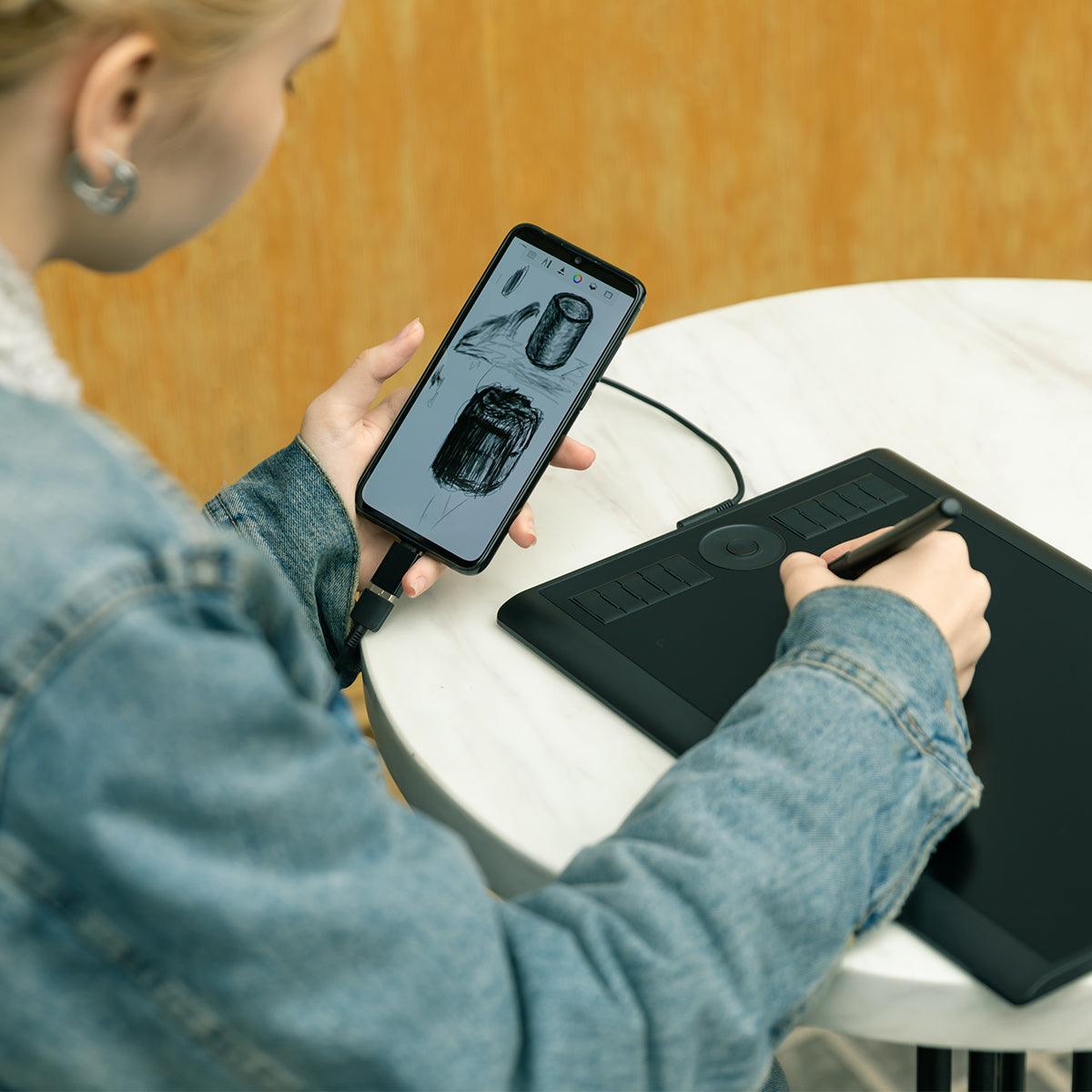
I have been using high(er) end drawing tablet, namingly the Wacom Intuos line, since 2009, and I'm more than satisfied with my purchase of this tablet! It has all the essential features of a high end tablet (maybe minus the bluetooth part, which is really not a must tbh) but a fraction of the price. Truthfully, I only purchased this tablet in curiosity to see how "bad" something this cheap will be, and to my surprise, it works AMAZINGLY. It's also very accessible to use with a phone. I personally liked how it doesn't have bluetooth feature, making it significantly lighter in weight (compared to intuos pro medium, which is about the same size). I have ABSOLUTELY no complaints or whatsoever, and have been screaming at people to get this tablet.
Minor improvement suggestions: the usb cord/port is located on the left side of the tablet, making it a little bit annoying to pull over since most of laptops (at least for usa models) have usb ports on the right side. Nothing major and can be easily "fixed". Another thing is that I've noticed that there's no felt type nibs available for this particular pen even for online store purchase options, but again, it's not a must-have anyways.
Hi there!
Thank you for taking the time to write such a detailed and positive review for our GAOMON M10K Pro Pen Tablet.
We are thrilled to hear that it exceeded your expectations and that you have been enjoying all the essential features it offers. We appreciate your suggestions for improvement, and we will definitely take them into consideration for future updates. We hope you continue to have a great experience with our product and we appreciate you recommending it to others. Thank you for choosing GAOMON!
Really good product, highly recommend
Hi there,
Thank you for leaving such a positive review for the GAOMON M10K Pro Pen Tablet. We're thrilled to hear that you had a good experience with our product and that you highly recommend it. We appreciate your support and hope to continue providing you with top-quality products in the future.
Thanks again!
The GAOMON team
I finally received it, and it's wonderful!
Everything is perfectly packed with all the parts and little cases. Looks very promising and I think my daughter is going to enjoy it greatly.
i used this tablet a lot and i loved using it on youtube videos, the thing that make this tablet the best of his kind is his price, its so cheap but with technologie like a 300$ dollars tablet wich make it my favorite for now.
thanks to gaomon for making this beautiful cheap tablet
Hello,
Thank you for your feedback!
If you ever have any questions or need assistance in the future, don't hesitate to reach out~
I love using this tablet to edit and work on Youtube videos! It's light, easy to use, and works well with my drawing style! A definite 10/10. One thing I would be weary of is the fact that you need to look at a different screen to see your drawing- you won't be able to see what you're drawing through just the tablet alone. That aside, once you get the hang of it, it's a breeze!
Hello,
Thank you for your feedback!
Contact us anytime if you need assistance :)
Even tho my m10k is connected to my laptop its saying no device detected And i keep switching the peices but still nothing, even restarting the laptop or deleting the gaomon app and getting it again
Hello, you can provide a video to our online customer service so that we can better answer your questions.
Enviam para o Brazil?
Olá, lamentamos não atender pedidos do Brasil no momento.
Hola, me gustaria saber si esta tableta es compatible con el software Clip studio paint
Hello.
GAOMON M10K PRO is compatible with Clip Studio Paint.
If you have any questions about this product, please feel free to contact us.
Hello. Is this product just the pen or the whole package?
Hello,
Thank you for reaching out to us.
The package contains-
Drawing Tablet M10K PRO *1
Digital Pen AP32 *1
Micro USB Cable*1
Pen Nibs*8
Pen Nib Clip *1
Quick Start Guide*1
I'm left handed, but i need to use this tablet on phone. How I can turn the tablet?
We can set it to left-hand mode, so the following are the correct 2 steps(Take the Windows OS as an example, if you are using a Mac, please kindly let me know):
1.Rotate 180° inside the drive: Open GAOMON driver panel---Work area---Click and choose GAOMON tablet as work area---Set rotate degree as ''180 degree''.
2. Tablet rotation 180°: Now rotate your GAOMON tablet and make the express keys on your right-hand side.
You can open a drawing program on the computer, and then drag the program from the computer monitor to the GAOMON tablet by mouse, Now you can draw on the GAOMON tablet in left-hand mode comfortably.
Hope it helps!