


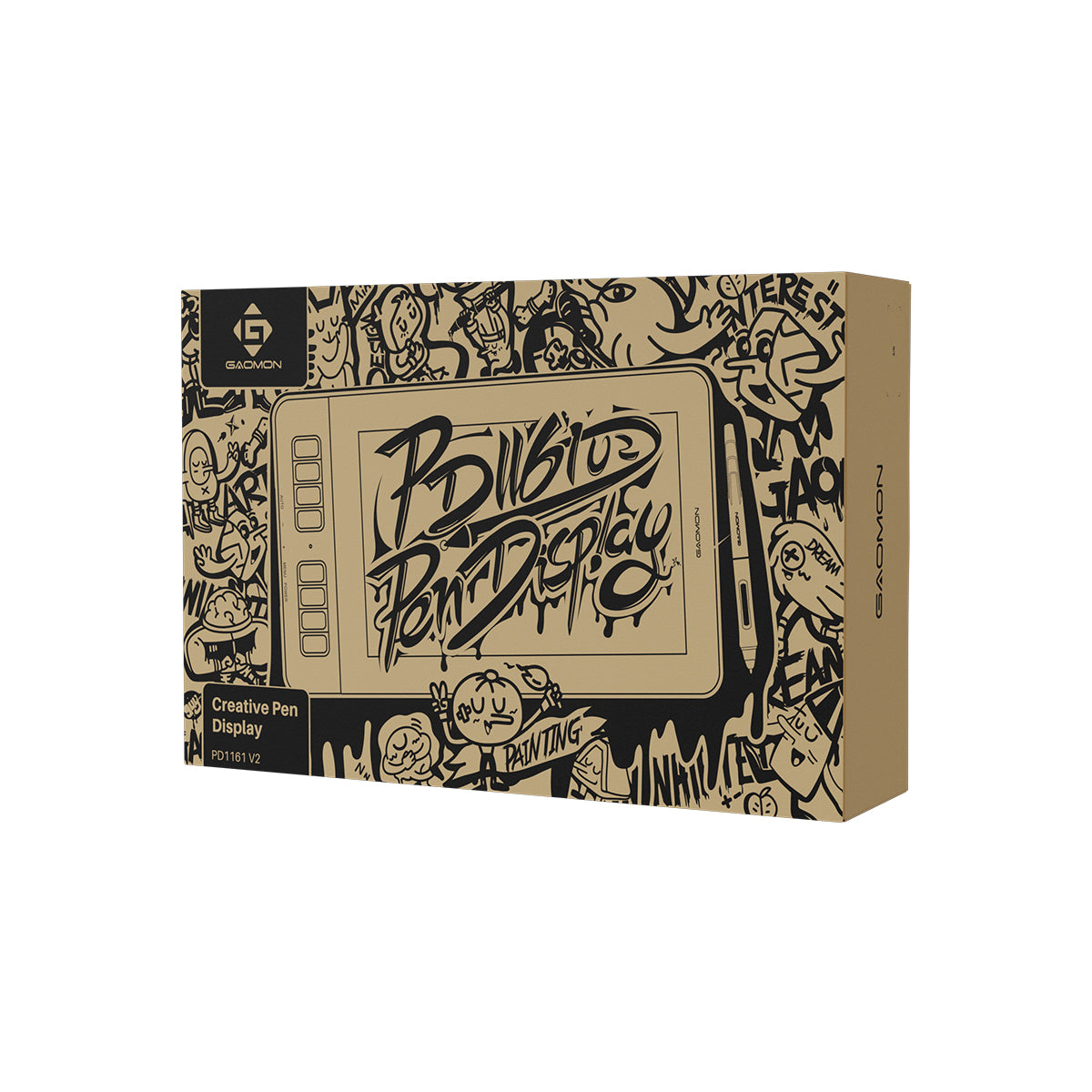
GAOMON PD1161 V2 Pen Display
GAOMON PD1161 V2 Pen Display
11.6" full-lamination screen with 16K Pressure Stylus
Couldn't load pickup availability
- Free Shipping on Orders over $100 USD
- 30-day Return & Refund
- 1-year Limited Warranty
Specification
The Easiest Way to Start
Gaomon PD1161 V2
Gaomon PD1161 V2 stands out among compact pen displays for its upgraded G Pen, which offers 16K pressure and vibrant, true-to-life colors. With an accessible price range and an exceptional drawing experience, it's the perfect choice for beginners.


Battery-free G Pen
16K pressure sensitivity
3g initial activation force
0.3mm retraction distance
Tilt correction


Accurate Color Display
ΔE<1.5
16.7M colors
99% sRGB
99% Rec.709


Anti-Glare Full-Laminated Screen
Paper-like texture
Reduced reflections


11.6-inch Compact Design
Portable and flexible creation


Custom Shortcut Keys
Preset and beginner-friendly


Easier Connection
HDMI + USB or full-featured USB-C


Dual Modes
Pen Display and Pen Tablet
Advanced Battery-Free Pen - G Pen
The stylus, G Pen, is battery-free and delivers an astonishing writing experience. With support for key customization, such as switching brushes and undoing operations, creators' efficiency is greatly enhanced. The silicone grip is comfortable to hold, and the pen nib is durable and designed for long-term drawing and writing.

2 Side Keys
Battery-Free
Standard Pen Nib
Silicone Grip
Natural, Accurate Drawing Experience
G Pen boasts 16,384 levels of pressure sensitivity, contributing to a more natural line change. Additionally, it supports ±60° tilt recognition (software support required) to deliver strokes similar to those of a pencil or marker pen. Furthermore, the tilt correction function helps reduce cursor offset. No matter what posture or angle you use to draw, you will receive precise and responsive tip feedback, which is vital for creators.

16K
Pressure Sensitivity
±60°
Tilt Recognition
Tilt Correction

0.3mm Retraction Distance


3g Activation Force


10mm Hover Detection


Stable, Responsive Pen Performance
The stylus features a hard pen construction with a 0.3mm short retraction, minimizing nib wobble during use. It requires only a 3g initial activation force for a quick response, allowing users to write with ease. Additionally, it offers great flexibility by enabling users to adjust the maximum pressure sensitivity. With a 300 PPS report rate and a 10mm hover detection, it can quickly detect changes in pen movements, delivering precise lines without lag.
Clear Viewing in a Compact Screen
Gaomon PD1161 V2 features a 1920x1080 FHD resolution and a 178° viewing angle, delivering clear and vibrant visuals for users, making it ideal for daily or mobile drawing needs.


1920*1080
Resolution
178°
Wide View Angle
220nit
Brightness
1000:1
Contrast Ratio
Ultra-Lightweight to Create Anywhere
Weighing just 866g and featuring a compact design, Gaomon PD1161 V2 is easy to slip into your backpack, allowing you to unleash your creativity anytime, anywhere—whether you're at a desk, in a café, in class, or traveling.


Precise and Vibrant Color Performance
Gaomon PD1161 V2 supports 99% sRGB, 99% Rec.709, and 88% NTSC color coverage. It can display up to 16.7 million colors, ensuring vibrant and true-to-life doodles, illustrations, and design work. With a ΔE < 1.5 color accuracy and rigorous factory calibration, it's beginner-friendly and requires no additional color calibration.
99% sRGB
99% Rec.709
ΔE<1.5

Anti-Glare, Paper-like Surface
It is coated with an anti-glare film to reduce reflections and environmental interference. Its matte texture provides added friction for the pen nib, delivering a painting experience that closely resembles working on paper. Additionally, it features anti-fingerprint and scratch-resistant properties, enhancing durability and keeping it clean.


Full-Laminated Display
Gaomon PD1161 V2 utilizes full-lamination technology to effectively minimize parallax, ensuring that the pen tip and cursor are tightly aligned. With no air layer, it improves light transmission, resulting in brighter, clearer images and a more natural overall viewing experience.

Faster, Smarter Workflow
It comes equipped with 8 preset shortcuts to help beginners get started quickly, while also supporting customization according to users' habits and preferences. There are 5 physical OSD keys on the side—AUTO, +, -, MENU, and POWER. It allows users to adjust parameters such as brightness, color modes, contrast, and other settings via the MENU key, making the workflow more efficient.


Easier Connection, Wider Compatibility
PD1161 V2 supports a full-featured USB-C connection to laptops, PC and Mac. You can also connect to a computer via an HDMI + 2-in-1 cable setup. No extra power needed for instant use. Android devices are connected with the HDMI and 2-in-1 cables, but requires a separate docking station and USB-A charger. (For specific instructions, please refer to this FAQ.)


*The full-featured USB-C cable is sold separately.
*Your connected device's interface should comply with DP 1.2 standards.
OS Compatibility

Windows

macOS

Android

Linux
Software Support

PS

Cinema 4D

AI

CSP

HiPaint

MediBang Paint

Blender

CAD
One Device, Two Ways to Create
Gaomon PD1161 V2 supports switching between pen display and pen tablet modes. In either mode, this 2-in-1 creative equipment offers users a flexible experience.


*To activate the Pen Tablet mode:
If the pen display is off, just connect it to the laptop with the USB cable.
If the pen display is on, power it off first, then reinsert the male plug of the USB cable to the pen display.
In the Box

Gaomon PD1161 V2

Battery-Free G Pen

Pen Holder

Standard Nibs*8

HDMI Cable

2-in-1 Cable

Drawing Glove

Quick Start Guide

Driver Download Card
What are the Upgrades?

PD1161 V2

PD1161
99% Rec.709
macOS 10.12 or later
Linux
Android (USB3.0 DP1.2 or later)
macOS 10.12 or later


Description
The Easiest Way to Start
Gaomon PD1161 V2
Gaomon PD1161 V2 stands out among compact pen displays for its upgraded G Pen, which offers 16K pressure and vibrant, true-to-life colors. With an accessible price range and an exceptional drawing experience, it's the perfect choice for beginners.
Battery-free G Pen
16K pressure sensitivity
3g initial activation force
0.3mm retraction distance
Tilt correction
Accurate Color Display
ΔE<1.5
16.7M colors
99% sRGB
99% Rec.709
Anti-Glare Full-Laminated Screen
Paper-like texture
Reduced reflections
11.6-inch Compact Design
Portable and flexible creation
Custom Shortcut Keys
Preset and beginner-friendly
Easier Connection
HDMI + USB or full-featured USB-C
Dual Modes
Pen Display and Pen Tablet
Advanced Battery-Free Pen - G Pen
The stylus, G Pen, is battery-free and delivers an astonishing writing experience. With support for key customization, such as switching brushes and undoing operations, creators' efficiency is greatly enhanced. The silicone grip is comfortable to hold, and the pen nib is durable and designed for long-term drawing and writing.
2 Side Keys
Battery-Free
Standard Pen Nib
Silicone Grip
Natural, Accurate Drawing Experience
G Pen boasts 16,384 levels of pressure sensitivity, contributing to a more natural line change. Additionally, it supports ±60° tilt recognition (software support required) to deliver strokes similar to those of a pencil or marker pen. Furthermore, the tilt correction function helps reduce cursor offset. No matter what posture or angle you use to draw, you will receive precise and responsive tip feedback, which is vital for creators.
16K
Pressure Sensitivity
±60°
Tilt Recognition
Tilt Correction
0.3mm Retraction Distance
3g Activation Force
10mm Hover Detection
Stable, Responsive Pen Performance
The stylus features a hard pen construction with a 0.3mm short retraction, minimizing nib wobble during use. It requires only a 3g initial activation force for a quick response, allowing users to write with ease. Additionally, it offers great flexibility by enabling users to adjust the maximum pressure sensitivity. With a 300 PPS report rate and a 10mm hover detection, it can quickly detect changes in pen movements, delivering precise lines without lag.
Clear Viewing in a Compact Screen
Gaomon PD1161 V2 features a 1920x1080 FHD resolution and a 178° viewing angle, delivering clear and vibrant visuals for users, making it ideal for daily or mobile drawing needs.
1920*1080
Resolution
178°
Wide View Angle
220nit
Brightness
1000:1
Contrast Ratio
Ultra-Lightweight to Create Anywhere
Weighing just 866g and featuring a compact design, Gaomon PD1161 V2 is easy to slip into your backpack, allowing you to unleash your creativity anytime, anywhere—whether you're at a desk, in a café, in class, or traveling.
Precise and Vibrant Color Performance
Gaomon PD1161 V2 supports 99% sRGB, 99% Rec.709, and 88% NTSC color coverage. It can display up to 16.7 million colors, ensuring vibrant and true-to-life doodles, illustrations, and design work. With a ΔE < 1.5 color accuracy and rigorous factory calibration, it's beginner-friendly and requires no additional color calibration.
99% sRGB
99% Rec.709
ΔE<1.5
Anti-Glare, Paper-like Surface
It is coated with an anti-glare film to reduce reflections and environmental interference. Its matte texture provides added friction for the pen nib, delivering a painting experience that closely resembles working on paper. Additionally, it features anti-fingerprint and scratch-resistant properties, enhancing durability and keeping it clean.
Full-Laminated Display
Gaomon PD1161 V2 utilizes full-lamination technology to effectively minimize parallax, ensuring that the pen tip and cursor are tightly aligned. With no air layer, it improves light transmission, resulting in brighter, clearer images and a more natural overall viewing experience.
Faster, Smarter Workflow
It comes equipped with 8 preset shortcuts to help beginners get started quickly, while also supporting customization according to users' habits and preferences. There are 5 physical OSD keys on the side—AUTO, +, -, MENU, and POWER. It allows users to adjust parameters such as brightness, color modes, contrast, and other settings via the MENU key, making the workflow more efficient.
Easier Connection, Wider Compatibility
PD1161 V2 supports a full-featured USB-C connection to laptops, PC and Mac. You can also connect to a computer via an HDMI + 2-in-1 cable setup. No extra power needed for instant use. Android devices are connected with the HDMI and 2-in-1 cables, but requires a separate docking station and USB-A charger. (For specific instructions, please refer to this FAQ.)
*The full-featured USB-C cable is sold separately.
*Your connected device's interface should comply with DP 1.2 standards.
OS Compatibility
Windows
macOS
Android
Linux
Software Support
PS
Cinema 4D
AI
CSP
HiPaint
MediBang Paint
Blender
CAD
One Device, Two Ways to Create
Gaomon PD1161 V2 supports switching between pen display and pen tablet modes. In either mode, this 2-in-1 creative equipment offers users a flexible experience.
*To activate the Pen Tablet mode:
If the pen display is off, just connect it to the laptop with the USB cable.
If the pen display is on, power it off first, then reinsert the male plug of the USB cable to the pen display.
In the Box
Gaomon PD1161 V2
Battery-Free G Pen
Pen Holder
Standard Nibs*8
HDMI Cable
2-in-1 Cable
Drawing Glove
Quick Start Guide
Driver Download Card
What are the Upgrades?
PD1161 V2
PD1161
99% Rec.709
macOS 10.12 or later
Linux
Android (USB3.0 DP1.2 or later)
macOS 10.12 or later