
This was my first professional drawing tablet and it is amazing. Moving from a small iPad to a MASSIVE screen was a little intimidating at first. But it’s great for small details. This thing is really big, I was wrong to underestimate it. But it’s amazing and I think the price is perfect. I honestly thought something this great would be more expensive! The screen does come a little warm, so your colors can look more saturated than they actually are, but it’s very easy to adjust and fix.

This is my first ever gaomon product and i love it! It fits on my desk and other than that im super happy! Minor difficulties on my part since the menu ui is a bit difficult but i will get used to it
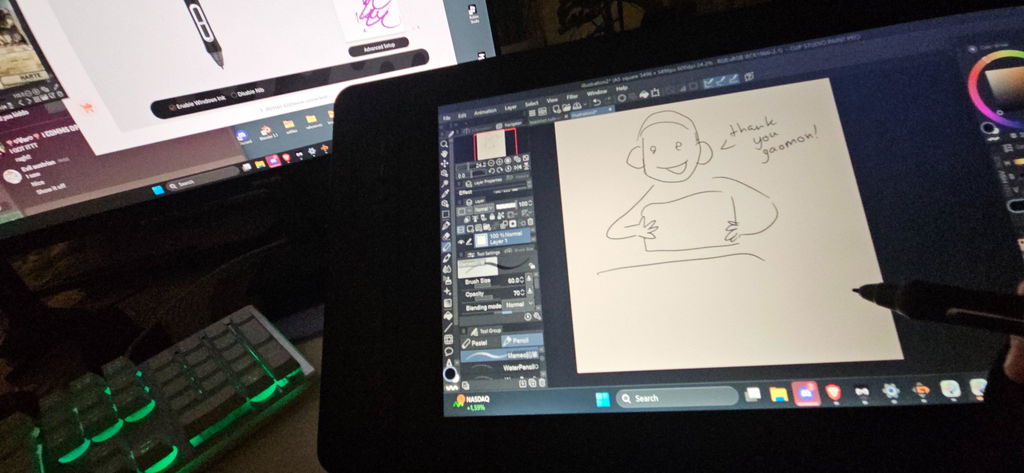

It arrived quicker then I thought and works great

it is quite Cheap and it is genuinely awesome u get 9 litte bits for the pen (one in the pen already and 8 inside of the station thingie for the pen) and 8 Buttons it has an nice programm where u can change what the buttons do u can change the buttons on the pen etc. etc.
the only little down side is the screen size it is kinda small but for that price it is awesome

Had to replace it, I have no issues with the USB cable. Thank you!



A very good tablet for the price. It performs all functions, is easy to use, and looks good.

it was the first tablet i have and it is super good. It is good to draw on and very good for osu.

Amazing experience so far!! My friend recommended me this tablet for beginner friendly artist going into digital :) I have never felt so excited to draw in forever!!! Amazing quality and pretty fun experience so far :D will be buying from this brand again ✨️
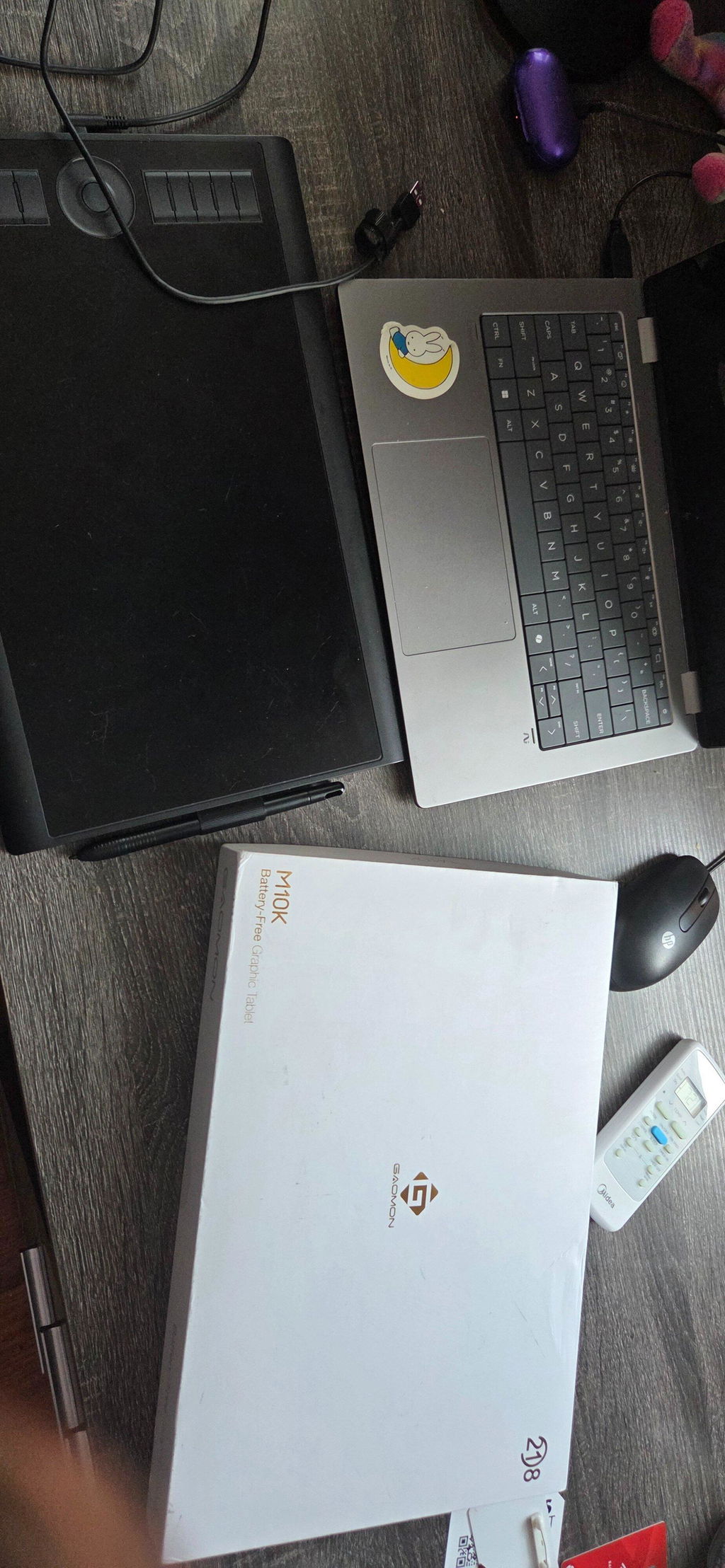

bought it as replacement for my old pen, works perfectly with current tablet and the shipping was incredibly fast too!

Extraordinary value for the price. On first use, the tablet seems to work as well as the Wacom Intuos Pro I use at work. Great pressure sensitivity control and very fine accuracy. Extra accessories are very welcome too. Only thing I would add is the ability to flip the tablet around for us left handers.

We can set it to left-hand mode, so the following is the correct 2 steps (taking Windows OS as an example; if you are using MacOS, please let me know.)
1. Rotate 180° inside the drive: Open GAOMON driver panel---Work area---Click and choose GAOMON tablet as work area---Set rotate degree as ''180 degree''.
2. Tablet rotation 180°: Now rotate your GAOMON tablet and make the express keys on your right-hand side.
You can open a drawing program on the computer, and then drag the program from the computer monitor to the GAOMON tablet by mouse, Now you can draw on the GAOMON tablet in left-hand mode comfortably.
I hope it will help you.
Affordable tablet that works very well with Fedora Linux.
The pen is rather thick but works well.
I love the size and the shortcut keys. I was originally going to order a much more expensive tablet without shortcut keys and didn't think I would want them but they are handy. Also this one has better pressure sensitivity and and tilt sensitivity. It's really great for the price. I discovered it via a reddit post where I heard multiple people saying the product had served them well for 5+ years.

Gaomon's amazing shipping and handling strikes again!!! I can't believe the stand is already here!!! Right out of the box, it's not too loose when expanding the bottom panel and holds my tablet perfectly!!! Amazing product!!!!

I love this tablet so much and so glad I went had and bought it! So affordable and just as great! I've been looking at gaomon and other tablets companies for years trying to figure out which display tablet should I get and decided to get this one. Im so glad I did too best money I have spent.
Very responsive with little to no delay giving me a natural feel while drawing. Also used it in osu and can confirm that it is fast enough for songs. Overall a good balance between other brands with no cut on performance.
La mejor tableta!! la he tenido por lo menos 10 años desde la prepa y me ha ayudo hasta terminar mi universidad de diseño la ame mucho hasta la voy a enmarcar que ya me está dejando de funcionar apenas ):
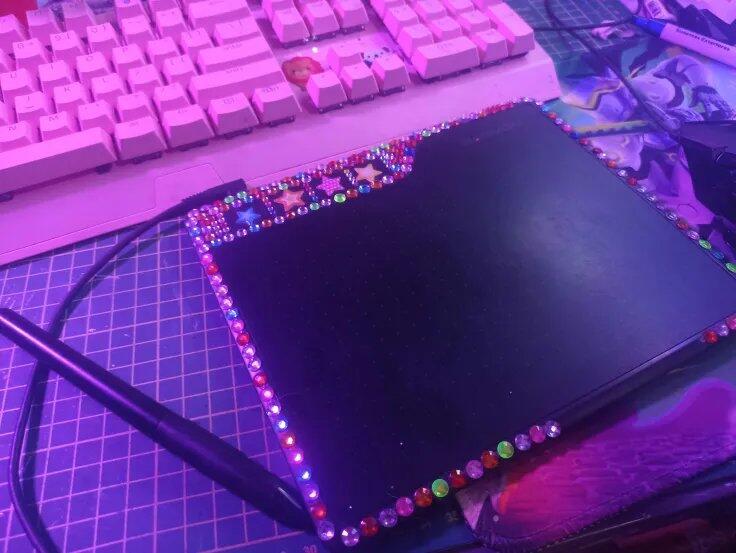
Perfect and affordable screen display. It really helps me a lot with my work as an amateur artist. The thing i like most is the screen feel like paper when i draw.

